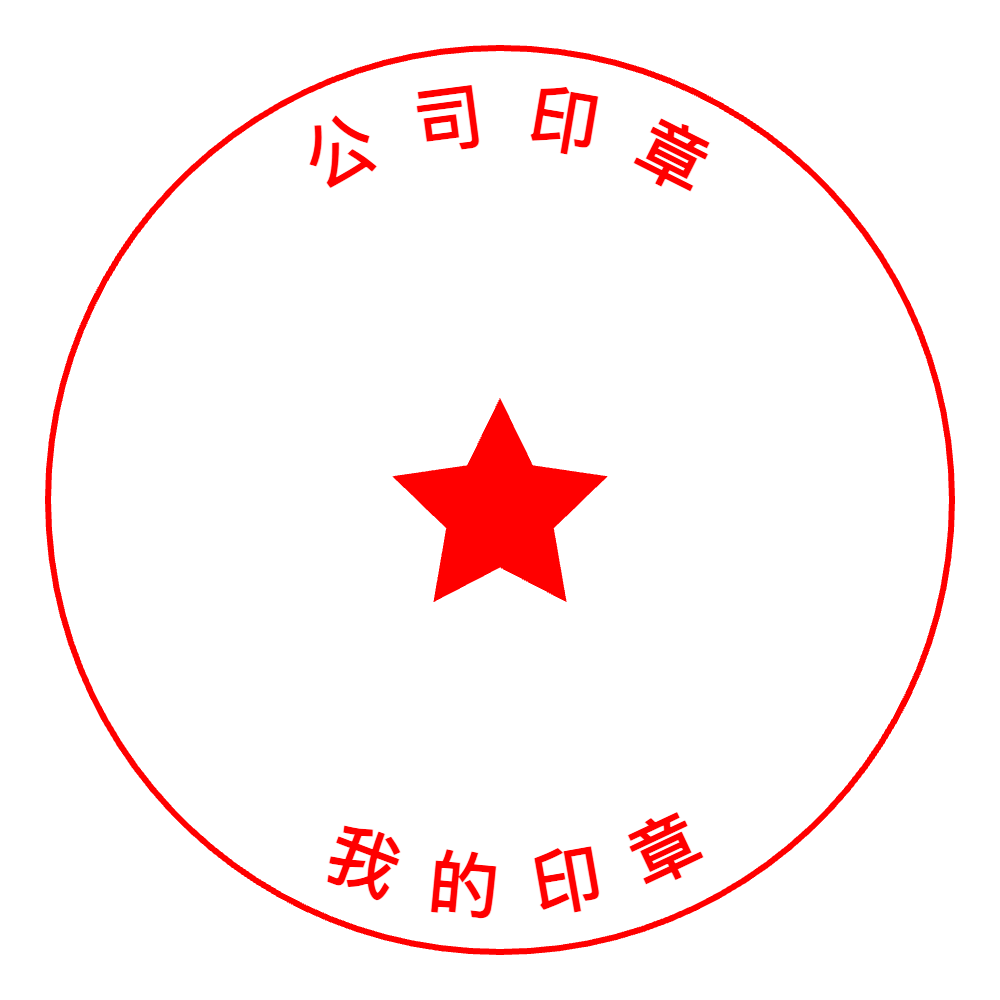
Chinese Seal Templates: A Modern Way to Create a Classic Mark (Without Overthinking It)
Chinese seal-style stamps are all about balance: strong shape, clear hierarchy, and a design that still reads well when it’s small. StampDr just added a dedicated chinese-seal template category, so you can start from a layout that already “feels right,” then customize it in the same browser-based editor and export a print-ready file.
What makes a “Chinese seal” look like a seal
A Chinese seal-style stamp typically communicates authority and identity through geometry rather than decoration. It often relies on a tight outer border, centered structure, and confident strokes—elements that remain legible even when the stamp is used on paper, scanned, or photocopied.
This is exactly where starting from templates helps. Instead of guessing spacing or proportions, you begin with a stamp layout that already has a seal-like rhythm—then you make it yours.
Who these templates are for
This template category is useful whenever the stamp itself needs to feel “official” or deliberately traditional—without needing a design background. StampDr’s editor is positioned for people who want to create custom stamps right in the browser, so these templates fit naturally into quick workflows.
Common use cases include:
- Personal name seals for packaging, artwork inserts, or brand marks (digital or physical).
- Business stamps that need a clean, authoritative look, similar to company seals.
- Labels and marks where a square/compact footprint makes more sense than a long rectangular stamp.
How to customize a Chinese seal template in StampDr
StampDr’s workflow is intentionally simple: pick a starting point, adjust the elements, then download. The editor is described as drag-and-drop with live preview, so you can see changes instantly instead of guessing how the final stamp will look.
A practical approach that works well for seal-style layouts:
- Start with a chinese-seal template that matches the general shape you want (usually compact and structured).
- Replace placeholder text with your name, brand, studio name, or short identifier.
- Keep it short: seal-style designs work best when the text doesn’t fight the negative space.
- If you add a logo, choose a simplified mark that still reads at small sizes.
This “template first, then refine” method is why a lot of users prefer a stamp maker with categories: it reduces decision fatigue and speeds up the first draft.
Getting the file your printer wants
StampDr emphasizes print-ready downloads (300+ DPI) and common export formats that local print shops accept. From the site’s own FAQ and homepage content, downloads include PNG, JPG, SVG, and PDF—so you can choose based on where the stamp will be used (documents vs. production).[2]1
Format guidance that matches typical real-world behavior:
- Use PNG when you need transparency for digital documents or quick sharing.
- Use PDF when you want an easy-to-open, print-friendly file for approvals and email handoff.
- Use SVG when you want a scalable vector option for cleaner edges at different sizes.
If you’re building a resource-style blog post, this is a good place to naturally include long-tail terms like stamp generator and online rubber stamp creator—because the value is really about “choose a template → customize → export in the right format.”
Design tips that keep the seal looking authentic
Templates do the heavy lifting, but small choices make a big difference in whether the final stamp looks intentional.
- Keep the layout compact: seal-style designs look strongest when they don’t feel stretched.
- Prefer bold, readable text: StampDr highlights that users can pick fonts and sizes, so lean toward clarity over thin decorative styles.
- Don’t overcrowd: adding too many lines or too much detail can make the mark look muddy when stamped.
- Preview like a real stamp: the live preview helps, but also zoom out and imagine the design at actual stamp size.
A simple CTA that doesn’t feel “salesy”
If someone is already searching for a Chinese seal stamp maker, they usually want two things: speed and a result that looks correct. StampDr’s templates plus browser editor are built for that “fast but controlled” workflow—no downloads, no signup required to start designing, and quick export when you’re done.
When you’re ready, open the chinese-seal category, pick the closest layout, and treat it like a first draft you can refine in minutes—exactly how a good stamp maker should behave.