Online Stamp Maker Templates for Your Business
Pick a template, use our online stamp maker to customize it with your details, then download. Browse all 334 designs ready to go.
Browse by Category
(334 templates)All Templates
Browse our complete collection of professional stamp templates for all purposes.

India-style seal — VED / APPROVED
Customize a round India-style seal: VED / APPROVED

StampDr Triangular India Seal Layout
Editable India Seal

India-style seal — Custom Stamp Maker
Customize a round India-style seal: Custom Stamp Maker

India-style seal — JONATAN / JOHANAT SMITH
Customize a text India-style seal: JONATAN / JOHANAT SMITH

India-style seal — YOGA
Customize a triangular India-style seal: YOGA

India-style seal — COMPANY NAME.LLT.
Customize a round India-style seal: COMPANY NAME.LLT.

India-style seal — Balanagar, Hyderabad. / MADHU STAMPS
Customize a round India-style seal: Balanagar, Hyderabad. / MADHU STAMPS

India-style seal — MIDDLE / IN THE
Customize a round India-style seal: MIDDLE / IN THE

India-style seal — IDEA
Customize a text India-style seal: IDEA

India-style seal — INDIA / Stamp
Customize a round India-style seal: INDIA / Stamp

India-style seal — INDIA / Secure Identification with
Customize a round India-style seal: INDIA / Secure Identification with

India-style seal — 123456789012 (123456-K)
Customize a round India-style seal: 123456789012 (123456-K)
Customize Your Stamp
Understanding Different Stamp Types
Learn about each stamp template category and find the perfect design for your specific needs
Company Seals Templates
Company seals put the registered business name on a ring, with a registration number, year of incorporation or emblem in the center. They are the round, formal mark people press on contracts, share certificates, invoices and letters of authority.
Our company seal templates come with single, double and dotted borders and text already fitted to the arc, so a long legal name stays readable. What a seal must contain varies by country and company type, so check your local requirements and edit the template to match.
- Used on contracts, certificates and invoices
- Name on the ring, number or emblem in the center
- Fully editable text, border and ink color

India Seals Templates
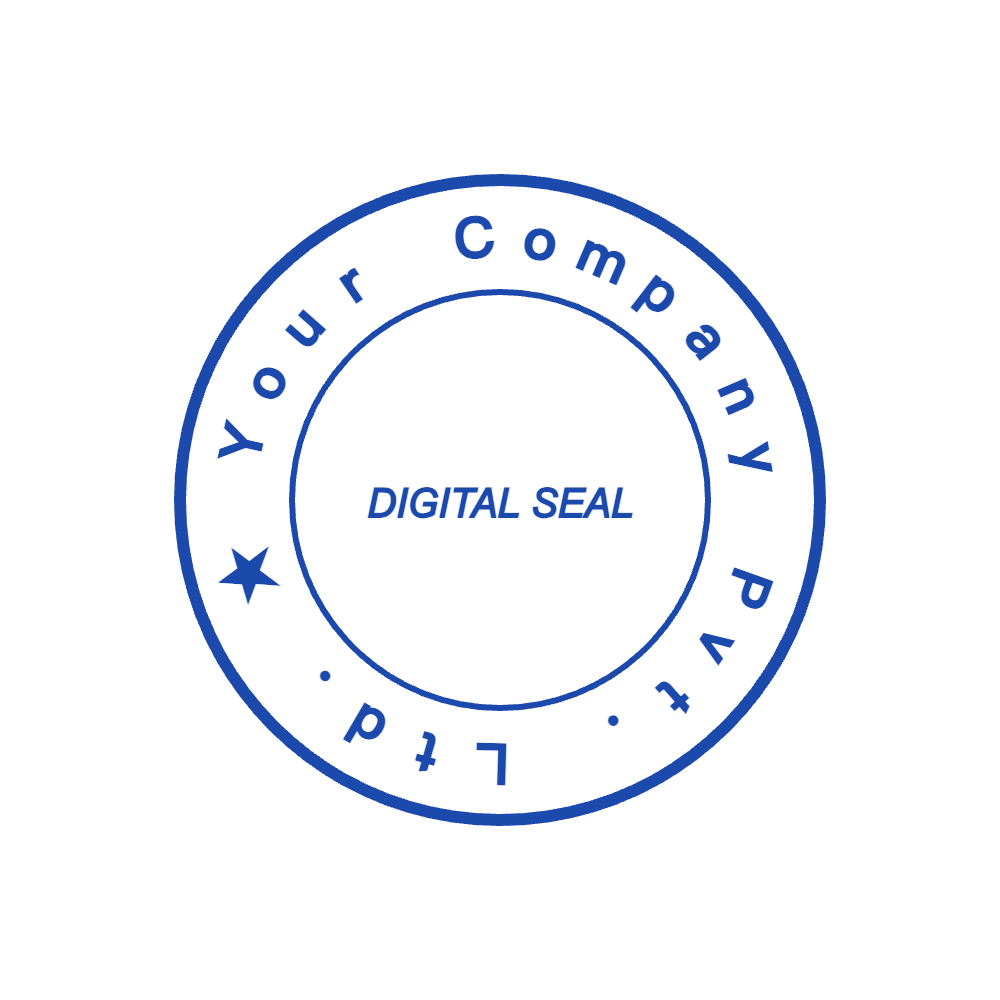
India-style seals follow the layouts common on Indian business and office paperwork: a round or rectangular seal with the firm or office name, a city line, and often a space for an authorized signatory or proprietor.
The templates cover round company seals, rectangular signatory stamps and bilingual layouts with English and a regional script. Fit the exact registered name first, then place the designation line, such as Proprietor, Director or Authorised Signatory, so the signature can sit beside it.
- Round seals and signatory stamps
- Room for designation and signature lines
- Works with bilingual text


How to Create Custom Stamps Online
To make custom stamps online, choose a template, replace the text, upload your logo if you need one, and pick an ink color. The editor shows every change live, so you can see spacing problems before you download anything.
The same tools work for a business stamp, a company seal or an address stamp: curved and straight text, six border styles, opacity and an aging effect. It all runs in the browser with nothing to install. Test your design with a free watermarked preview, then download PNG, JPG, SVG, EPS, PDF or DOCX when it is ready.
- Design stamps online in minutes, no software needed
- Download high-resolution files ready for printing
- Free watermarked preview before you pay
Professional Online Stamp Maker
Templates • Live Preview • PNG, SVG, EPS and PDF
How to Choose the Right Stamp Template
A template is a starting layout, not a finished stamp. Pick the one whose shape and line structure match your job, open it in the online stamp maker, and replace the wording with your own. Because the spacing, border and text paths are already set, most people only change the words, the logo and the ink color.
We have 334 templates across 24 categories. They are grouped by what the stamp has to do, so the fastest way to choose is to start from the document it will be pressed on.
Seals for contracts, certificates and official papers
Round layouts carry a name on the outer ring and a number, year or emblem in the center. They are the starting point for our seal maker templates, and the same structure appears in corporate stamp templates, notary stamp layouts and India-style seals with a double border and a signature line. If the seal must follow rules set by a notary authority, court or government office, check those rules first and adjust the template to match.
Office stamps for paperwork that moves
Mail desks, accounts teams and bank counters need short, bold marks that read at a glance. A received stamp template leaves room for a date and initials, date stamp templates keep the date on its own line, and deposit-only stamps fit the back of a check. For an address, tax ID or approval line, rectangular business stamp templates hold three or four straight lines without crowding.
Brand, craft and personal stamps
Logo stamp templates are built around an uploaded mark with a short line of text, which suits packaging, hang tags and thank-you cards. Wedding, school and library templates trade formality for character: decorative borders, monograms and ownership marks such as ex libris stamps. Return address designs live under address stamps.
Customize a template without breaking the layout
- Replace text before resizing anything. The line structure was set for a certain amount of text; shorten your wording before shrinking the font.
- Keep the plate size realistic. Set the final diameter or width first, then check the smallest line at 100% zoom.
- Swap the logo for a one-color version. Gradients and thin lines disappear when a stamp is printed.
- Change one thing at a time. Border, color and the aging effect all change how dense the stamp looks.
- Proof it at actual size. Print one copy or place the PNG on a real document before you download the final files.
From template to file or rubber stamp
Every template downloads as PNG with a transparent background, JPG, SVG, EPS, PDF or DOCX. Use the PNG to place the stamp on documents, and send the SVG or EPS to a manufacturer if you want a physical stamp; the online rubber stamp creator templates are already set up for that. You can test any template with a free watermarked preview, and the stamp maker pricing page explains the paid download options.
Prefer a blank plate to a template? The stamp generator opens an empty stamp you edit the same way. For step-by-step help with layouts, read the stamp maker guides and the seal maker guides on our blog.
Ready to Make Your Stamp?
Pick from 334 templates. Customize with our online stamp maker. Download and print. That's it.