
Square Seal: Why This Simple Shape Still Carries Weight
Square seals have a way of making information feel settled—clear edges, balanced layout, and a “final answer” look that stands out on paper and on-screen. In an era of PDFs, e-signatures, and fast-moving approvals, the square seal remains one of the most practical visual shortcuts for status, ownership, and authenticity.
What a square seal communicates
A circle often feels ceremonial, but a square seal feels procedural. It reads like a label with authority: direct, structured, and easy to scan at a glance.
That’s why square seals show up in places where clarity matters more than ornament:
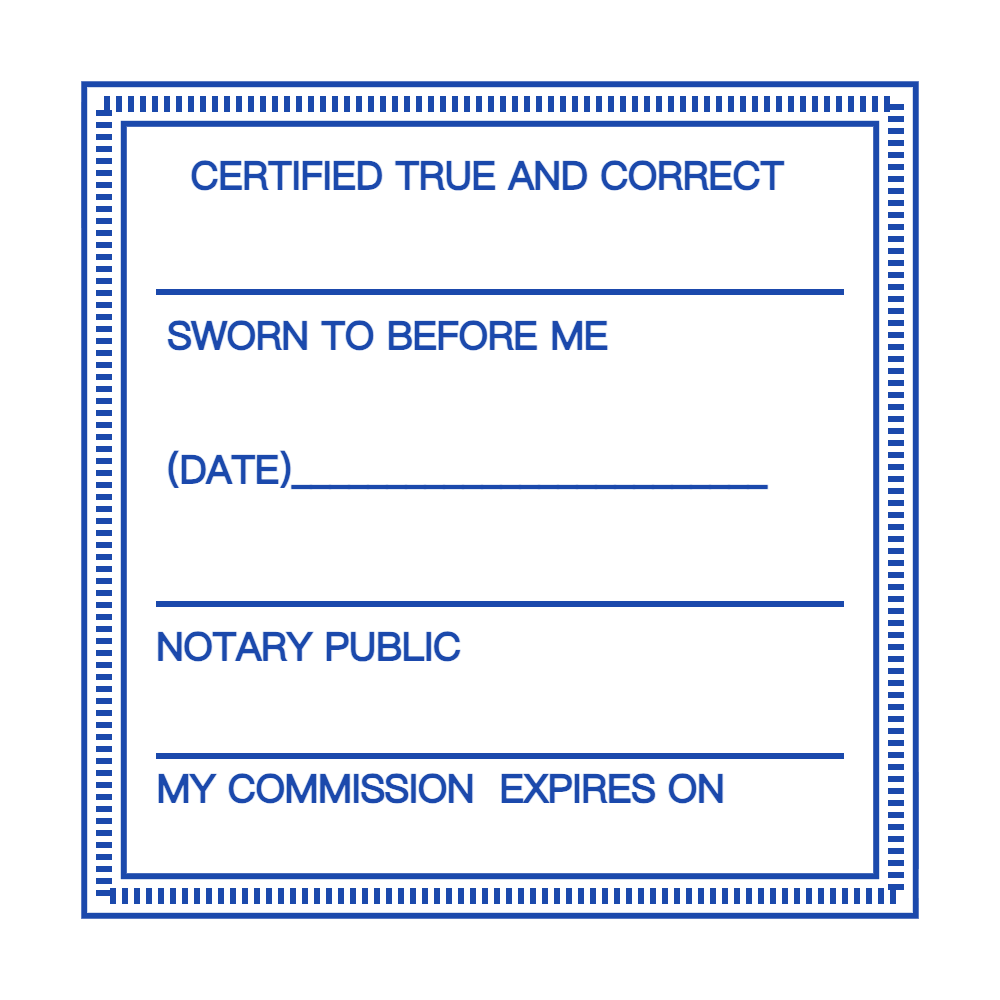
- Office workflows (Approved, Paid, Received, Reviewed).
- Inventory and logistics (Checked, Dispatched, Returned).
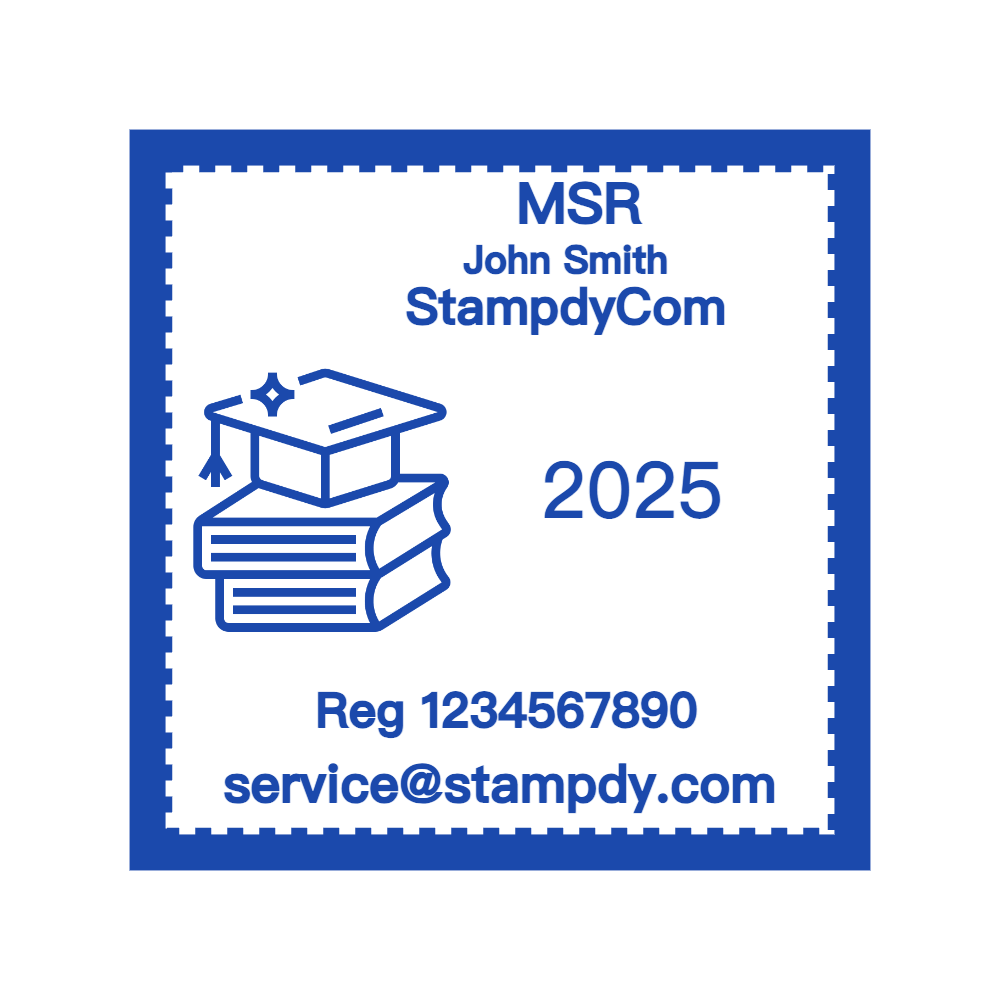
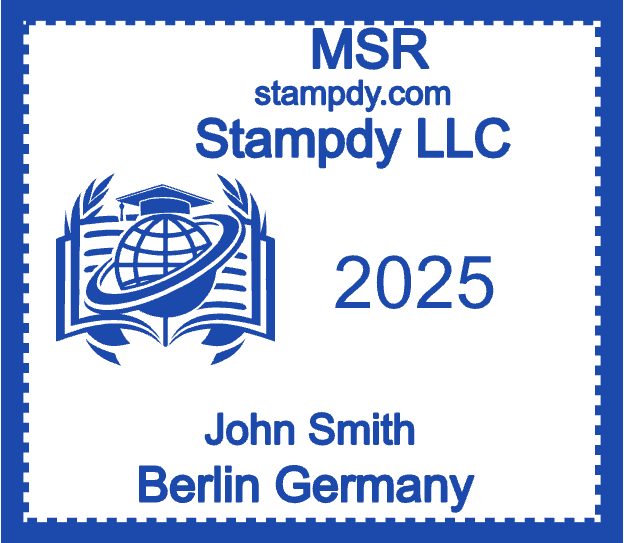
- Institutions (Library property marks, archive handling notes).
- Product packaging (limited runs, quality checks, batch marks).
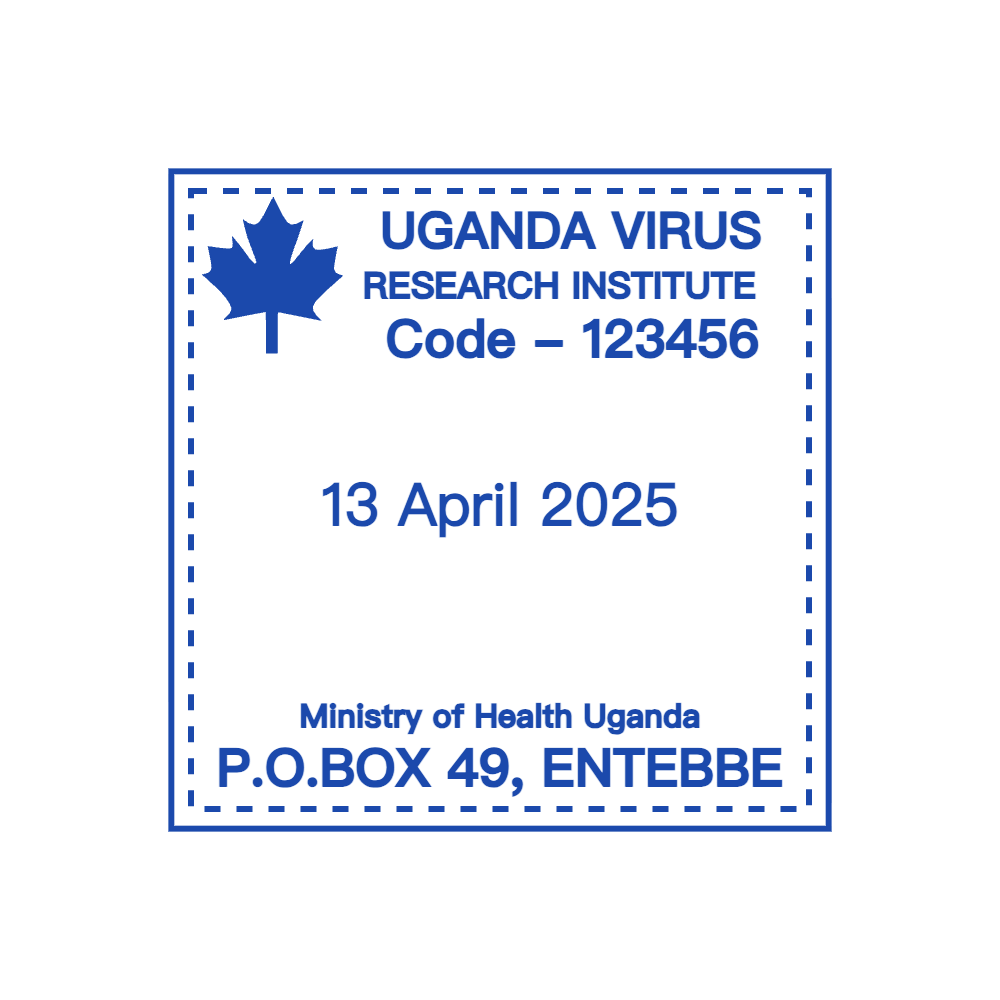
The shape supports dense information without looking crowded, especially when you need multiple lines—organization name, department, date, and an ID code—inside one compact mark.
The design logic behind a great square seal
Square seals work best when they behave like good editorial layout: hierarchy, spacing, and repeatability.
A few design principles consistently produce “trustworthy” results:
- Strong outer border, calmer interior. A bold frame gives the seal presence; lighter internal dividers keep it readable.
- One primary message. Put the key word (APPROVED / PAID / PROPERTY OF) in the visual center, then support it with smaller metadata.
- Generous padding. Seals often get stamped, scanned, and compressed—tight layouts blur faster than airy ones.
- Simple typography. Clean, sturdy letterforms survive low-resolution printing and photocopying better than delicate fonts.
If the seal is meant to be used internationally, consider leaving room for bilingual text or an abbreviated branch name, rather than shrinking everything to fit.
Physical vs. digital square seals (and why both matter)
Traditionally, a square seal was literally a stamp: ink meets paper, a moment of contact that “locks” a decision into the document. But modern teams now use square seals as digital overlays too—dropped into invoices, purchase orders, certificates, and shipping documents.
For digital use, the most common practical requirements are:
- Transparent background (so the seal sits cleanly on top of text or a scanned form).
- High resolution (so the edges don’t pixelate when resized).
- Multiple formats (so it works across editors, printers, and design tools).
If a workflow includes both print and PDF, it’s smart to treat the square seal as a reusable asset—like a logo—rather than something recreated every time.
Building a square seal that stays consistent
Most “bad seals” aren’t bad because of color or shape—they’re bad because they drift. One person makes a version for invoices, another tweaks it for receipts, and soon the organization has five nearly-identical stamps that no longer look official.
A simple system prevents that:
- Create one “master” square seal layout (name + primary status + optional date/ID).
- Export a small set of variants only when needed (e.g., PAID / RECEIVED / APPROVED).
- Store them in one shared folder, with naming rules that stay consistent.
For teams that want a quick, browser-based workflow, an online stamp maker can help standardize templates, spacing, and exports without relying on heavyweight design software.
A practical way to create one (without turning it into an ad)
Many people now design square seals directly in the browser—dragging text into place, testing borders, and previewing how it looks before exporting. Tools in this category typically emphasize convenience: no downloads, fast edits, and immediate export options.
If you’re testing layouts, a stamp maker online free approach can be useful for prototyping: try two border weights, compare condensed vs. normal letter spacing, and see what stays legible when scaled down. Once the layout feels right, export formats that match how you actually work—common options include PNG/JPG/SVG/PDF, and higher-resolution exports (often 300+ DPI) for print clarity.
The key is to treat the tool as a production assistant, not the decision-maker: the seal should reflect your internal rules (what “Approved” means, who can apply it, where it should appear on a document), then the design simply makes those rules visible.
Square seal templates that work in the real world
If you need a starting point, these structures are widely effective:
- Administrative seal
- Top: Organization / Department
- Center: APPROVED
- Bottom: Date + Initials
- Finance seal
- Top: Company name
- Center: PAID
- Bottom: Method / Ref #
- Library property seal
- Top: Library name
- Center: PROPERTY OF
- Bottom: Branch / City
Square seals succeed when they reduce questions. The best version is the one that makes someone say, “Got it,” in half a second—whether they’re holding a printed form or reviewing a PDF at midnight.