
Stamp Received Templates: From Physical Imprints to Smart Digital Seals
When a document carries a clear “stamp received” mark, everyone instantly understands what happened: the file arrived, was seen, and entered the system. That tiny imprint can prevent disputes, prove deadlines were met, and keep teams aligned. In a world that is increasingly digital, the idea behind a received stamp hasn’t disappeared—it has evolved.
On a template-driven site like SealsDigital, “stamp received” isn’t just a label. It’s a starting point for building reliable workflows, audit trails, and brand-consistent documents using flexible tools such as a modern seal maker, an online stamp design maker, or even a stamp maker online free for quick, no-friction tasks.
Why “Stamp Received” Still Matters
For all the talk about paperless offices, most organizations still juggle a mix of digital files, scanned documents, and physical paperwork. A “stamp received” template solves several real-world problems:
- It records when something arrived and who handled it.
- It reduces back-and-forth when teams ask, “Did we ever get that form?”
- It provides evidence if clients, vendors, or regulators challenge a timeline.
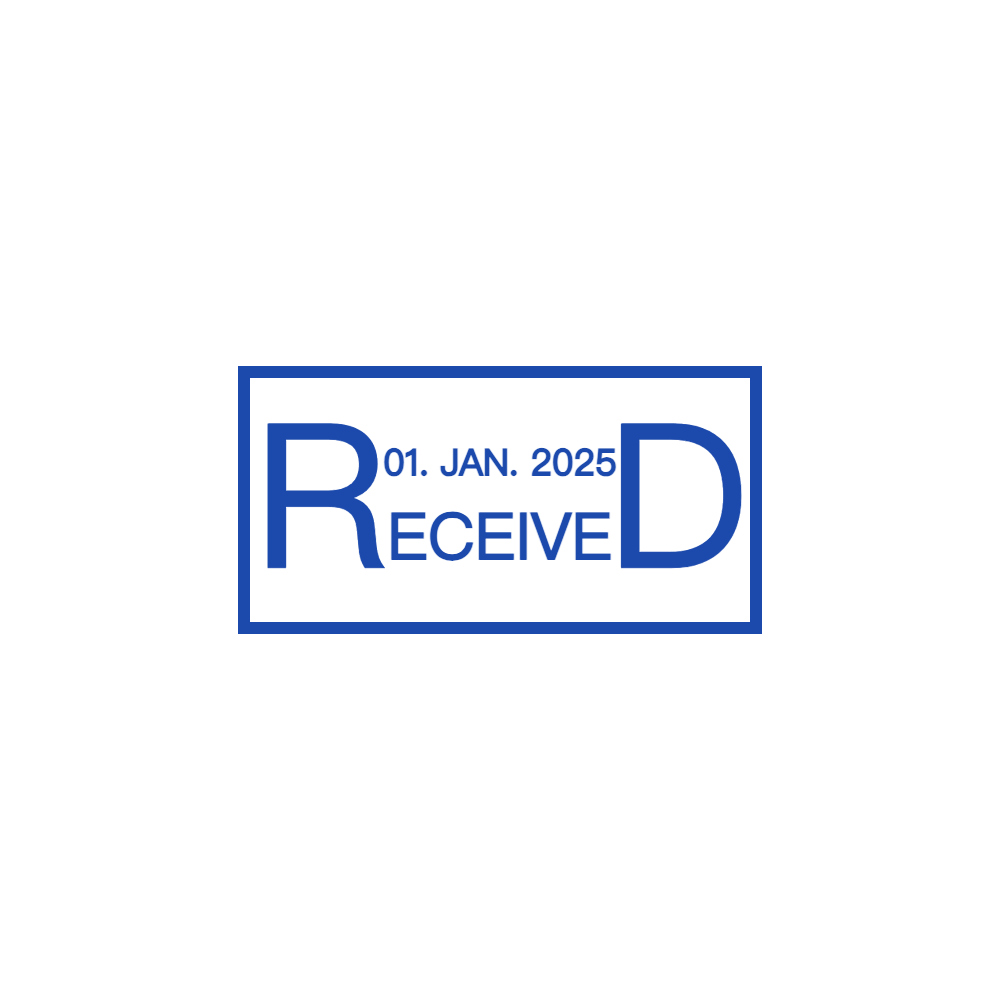
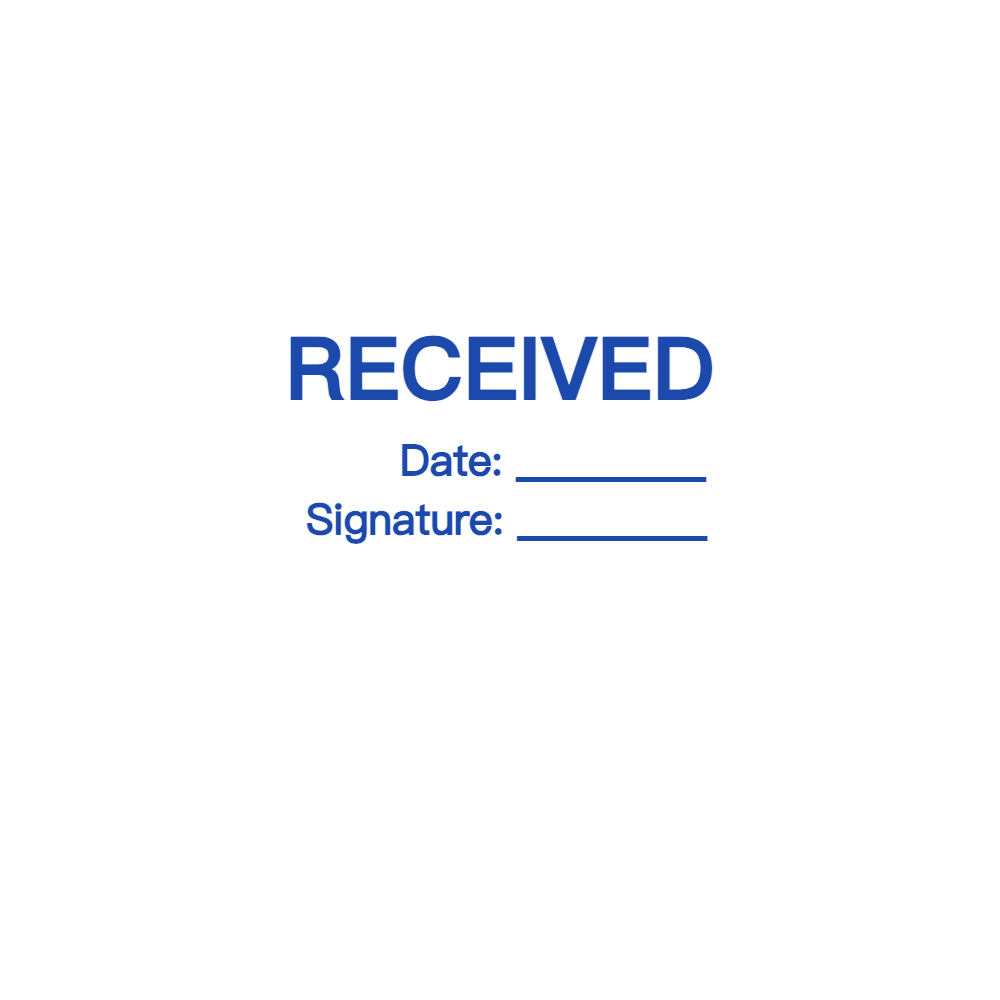
A good template doesn’t just say “RECEIVED” in large block letters. It gives you space for dates, times, departments, initials, and reference numbers. When these fields are standardized across a business, you get consistent records and fewer gaps in your documentation.
From Office Ink Pads to Flexible Seal Makers
Traditional received stamps were simple hardware: a rubber head, a wooden or plastic handle, and an ink pad. They worked, but they also had limitations:
- Designs were fixed once manufactured.
- Reordering or updating details (like department names) took time.
- Physical stamps couldn’t be used seamlessly on digital documents.
A modern seal maker changes this dynamic. Instead of ordering a new physical stamp every time your workflow changes, you start with a template and adjust:
- Text: “STAMP RECEIVED,” “DOCUMENT RECEIVED,” “APPLICATION RECEIVED,” or language-specific variants.
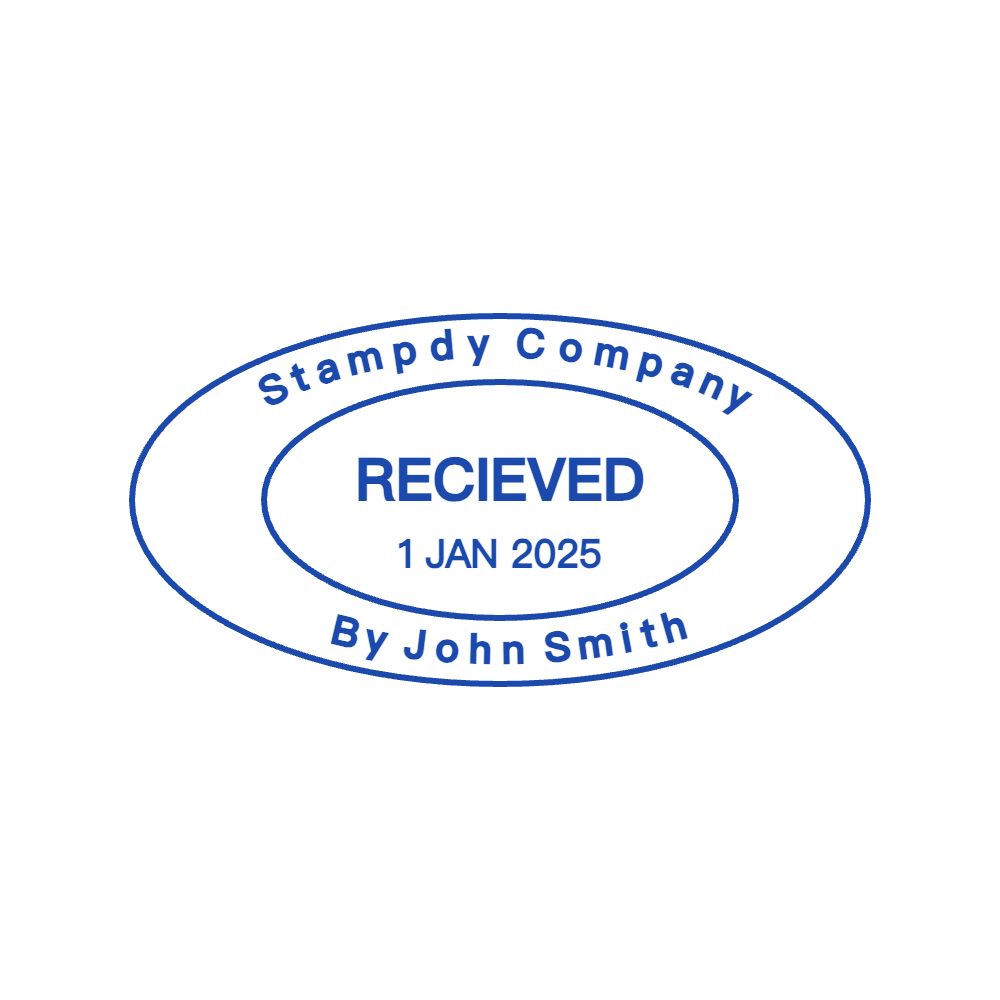
- Layout: horizontal bars, stacked text, or circular seals.
- Fields: dedicated zones for date, time, department, user ID, or reference numbers.
- Style: minimalist monochrome or more decorative frames that match your brand.
These templates can live in both worlds: exported as crisp digital assets for PDFs and also handed off to manufacturers if you still want a physical device.
Using an Online Stamp Design Maker for Received Marks
An online stamp design maker makes experimenting with “stamp received” layouts much easier than sketching ideas or emailing back and forth with a print shop. Instead of committing to one design and hoping it works, you can iterate in your browser until it feels right.
Well-designed tools typically let you:
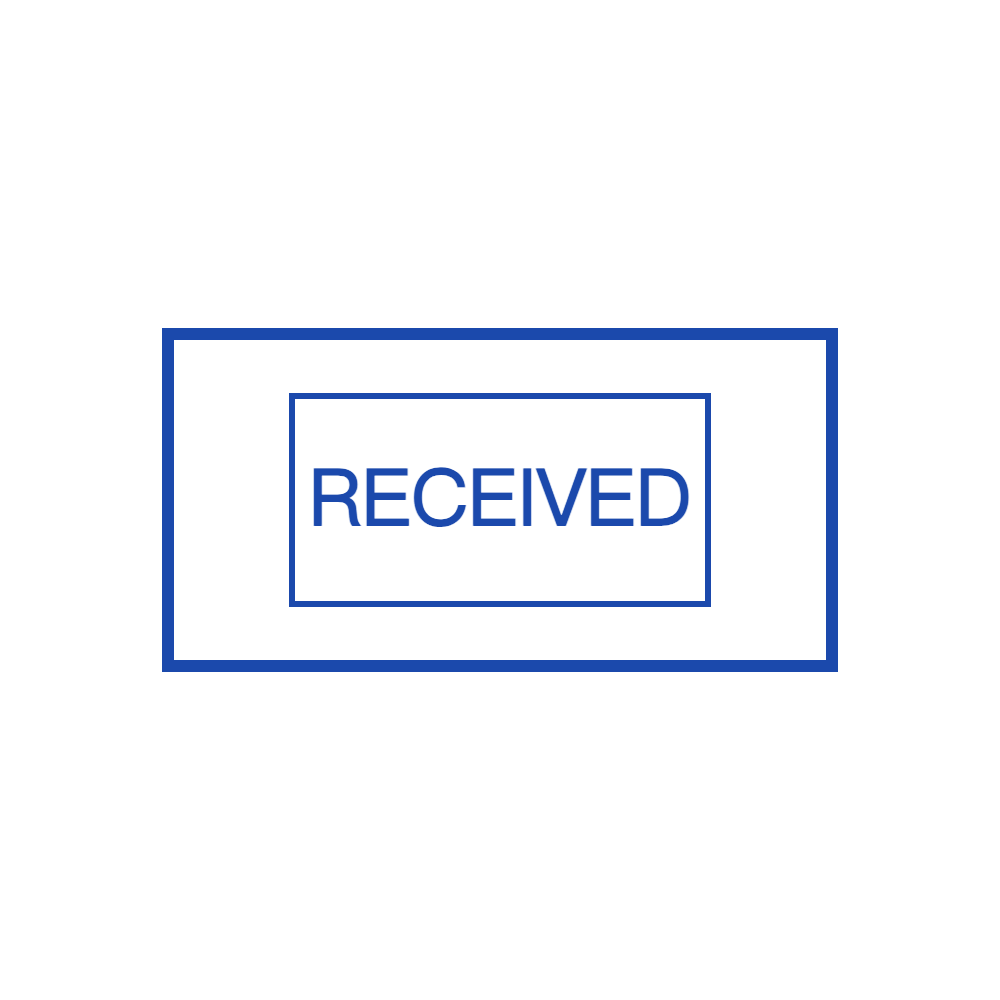
- Choose base templates: rectangular received stamps, circular seals, or badge-style designs.
- Edit text content: for example, a top line “STAMP RECEIVED” with a bottom line for organization name.
- Enable optional frames: boxes around date and department fields for cleaner handwriting or digital overlays.
- Adjust typography: bold sans-serif for legibility, or more formal serif fonts for legal and government use.
- Export in multiple formats: PNG for everyday use, SVG for scalable, production-ready artwork.
For a library of templates like the one on SealsDigital, this means you can offer users a spectrum: from ultra-simple black bar received stamps to more complex layouts with logos, bilingual labels, and structured metadata zones.
When a Stamp Maker Online Free Is Enough
Not every use case justifies a paid tool or a fully custom layout. Sometimes a stamp maker online free option is exactly what someone needs:
- A freelancer wants a lightweight “invoice received” stamp to track client payments in PDFs.
- A small non-profit wants a single “application received” template for grant submissions.
- A teacher wants a quick “homework received” mark to overlay on digital assignments.
A good free tool can generate basic, clean “stamp received” graphics that users can download and reuse. They might not include advanced features like automation, version management, or brand kits, but for simple templates they do the job:
- Basic shapes: rectangles, circles, and rounded rectangles.
- Limited text edits: wording, font size, and alignment.
- Simple color controls: usually one or two brand colors.
- Direct downloads: often with transparent backgrounds for easy placement.
In a template gallery, these designs can serve as an accessible entry point for new users. If their workflow becomes more complex later, they can move from a free layout to a more advanced seal maker or full online stamp design maker with extra controls.
“Stamp Received” Templates for Different Workflows
A single static design rarely fits all scenarios. It helps to think about “stamp received” templates in terms of use cases.
Administrative and Back-Office Teams
For internal paperwork, clarity is more important than decoration. Useful features include:
- Large, legible “STAMP RECEIVED” text.
- A bold date area, since dates often matter more than anything else.
- Optional time and department lines for audits and shared responsibility.
- Room for initials or a short note field like “verified,” “incomplete,” or “pending review.”
These templates work well as both physical stamps and digital overlays on scanned PDFs.
Legal, Compliance, and Finance
Here, stamps often carry more weight. A received mark might be involved in proving regulatory deadlines or contract timelines. Templates tend to be:
- More formal, with simple borders and conservative fonts.
- Structured, with distinct zones for date, time, case or file number, and unit.
- Designed to be readable even in low-quality photocopies or scans.
If you also offer a seal maker that can add coats of arms, insignias, or firm logos, you can create hybrid templates that blend “stamp received” functionality with an official seal look for extra authority.
Digital-First Workflows
For teams that operate mostly in PDFs and digital platforms, “stamp received” templates behave more like digital stickers or layers:
- Transparent backgrounds so the underlying document stays readable.
- Multiple sizes to handle A4, Letter, and mobile views.
- Variants optimized for light and dark backgrounds.
- Clean edges and high resolution to remain sharp after resizing.
These are the situations where an online stamp design maker becomes especially valuable: users can fine-tune a template and download versions tailored to their specific apps or document systems.
Balancing Template Consistency and Customization
The more templates you offer, the more important it becomes to balance consistency with flexibility. A good “stamp received” section in your gallery might:
- Share a visual language: similar border styles, padding, and alignment.
- Offer multiple categories: minimalist, formal, playful, bilingual, and logo-ready.
- Include both blank and pre-labeled variants: some with fixed text like “STAMP RECEIVED,” others with editable fields.
- Provide clear usage suggestions: “Ideal for HR intake forms,” “Best for scanned legal documents,” or “Good match for digital-only workflows.”
This is where the combination of a seal maker and an online stamp design maker really shines. Templates can be starting points, not rigid endings—users pick a base and then adjust text, colors, or fonts while maintaining the core structure that makes the stamp readable and professional.
Practical Tips for Designing Effective “Stamp Received” Templates
Whether you are curating templates or designing your own, a few practical guidelines go a long way:
- Prioritize legibility: use strong contrast and simple fonts.
- Keep spacing generous around date and time fields so handwriting or digital text doesn’t look cramped.
- Avoid overloading the stamp: too many lines of text reduce clarity and visual impact.
- Consider multilingual needs: you might offer dual-language versions for global teams.
- Design for scanning: make sure lines are thick enough and text is large enough to survive a low-resolution scan or photocopy.
It’s also helpful to think about how users will apply the stamp. A template meant for a “stamp maker online free” flow might need to be simpler and more universal, while one destined for a professional seal maker can handle more detail and branding elements.
How “Stamp Received” Fits into a Bigger Template Library
On a site focused on stamp templates, “stamp received” designs can connect naturally with other categories:
- Date stamps: combine a received mark with an integrated date wheel or date band layout.
- Address and company seals: add a small “received by company name” bar beneath a logo or corporate seal.
- Approval stamps: chain received → reviewed → approved templates into a clear visual workflow.
- Digital certification marks: pair received stamps with electronic seal templates to cover both arrival and verification.
When users browse a page of templates and see that “stamp received” sits alongside address stamps, company seals, notary layouts, and creative designs, they start to understand the full ecosystem: one library of assets, many small but powerful marks that guide their documents from first arrival to final archive.