



Address Stamp Templates: Clean, Consistent Return Addresses You Can Reuse Anytime
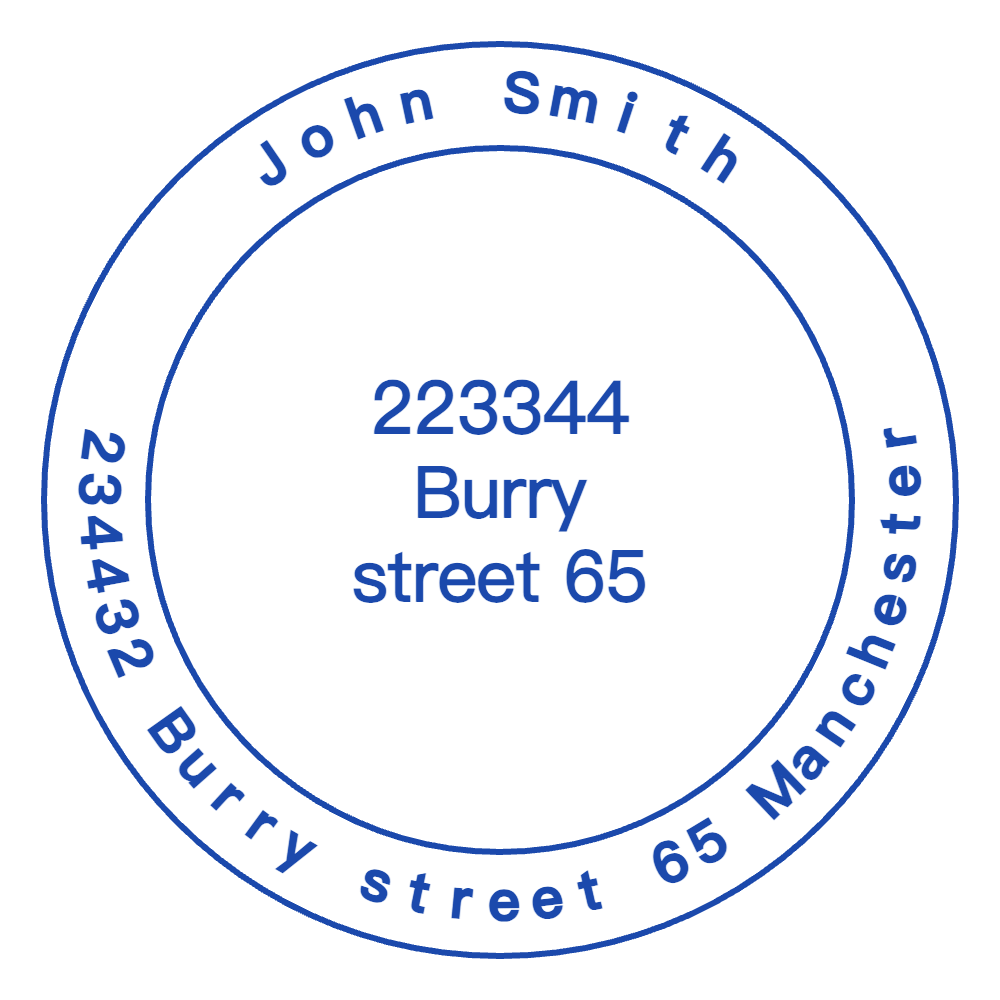
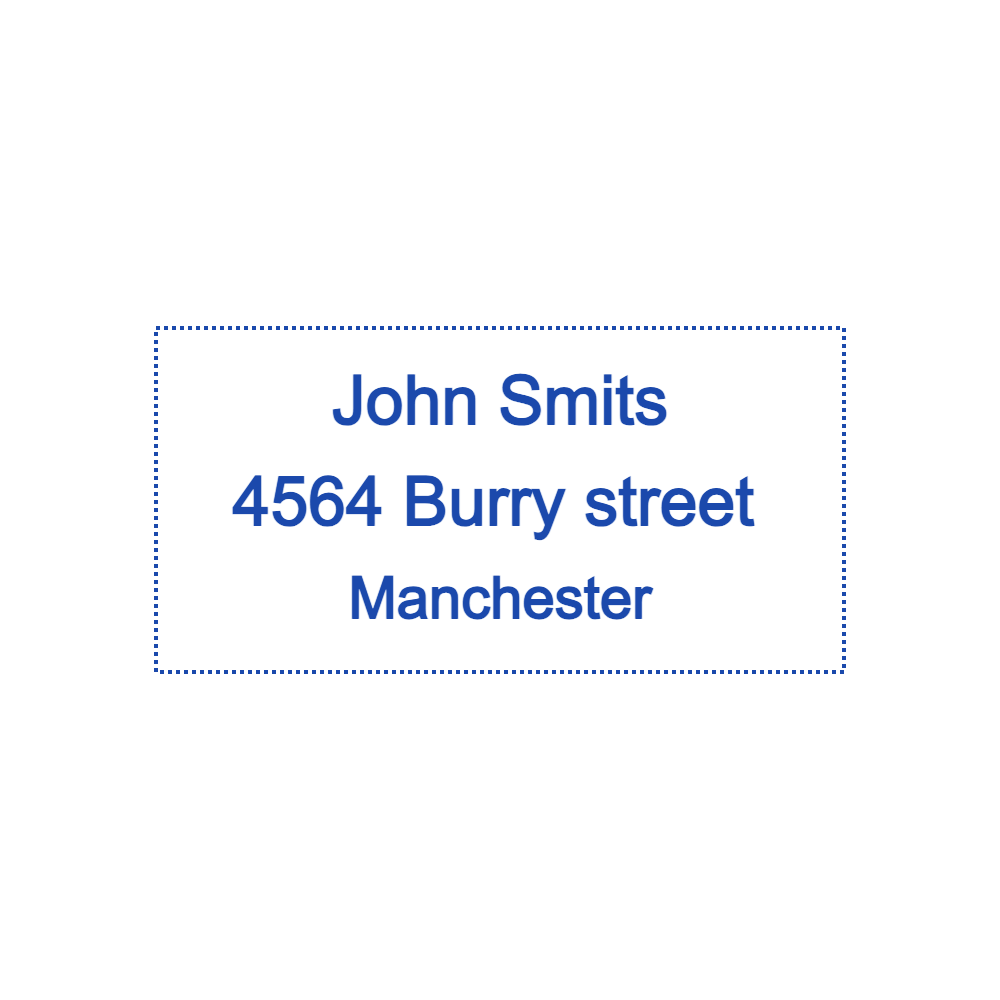
Address stamps are one of those “set it once, use it forever” tools—perfect for saving time on envelopes, packages, and routine paperwork. StampDr has added a dedicated address-stamp template category so you can start with a layout designed for mailing-style readability, customize it in the browser, and download a print-ready file without needing design software.
The category path (share this link)
Send readers directly to the new category here:
https://stampdr.com/stamp-templates/address-stamp
StampDr organizes its template library under /stamp-templates, making it easy to browse by stamp type and then edit a template instead of starting from scratch.
Why address stamps are worth standardizing
Most people don’t mind writing an address once—but writing it dozens of times quickly becomes a chore, especially when you’re sending invoices, shipping orders, or mailing forms. StampDr’s site focuses on creating stamps in the browser with a quick “pick a starting point → customize → download” workflow, which fits the reality that address stamps are mainly about speed and consistency.
Just as importantly, a stamp gives you the same formatting every time: the same spacing, the same alignment, the same placement of city/state/ZIP lines. That consistency is a quiet upgrade for small teams because mail looks more professional when it’s uniform.
Who this template category helps most
Address stamps are surprisingly universal, and the template category supports that “everyday utility” use case well. StampDr positions its editor as an online stamp maker that runs in your browser and works across devices, which makes it convenient whether you’re handling shipping at a desk or doing admin work on the go.
Typical users include:
- Small businesses shipping products and wanting a consistent return address mark.
- Freelancers mailing paperwork (contracts, forms, invoices) and wanting a clean sender stamp.
- Anyone doing recurring mail—holiday cards, event invites, or community mailers—who wants to save time while keeping things tidy.
How to customize an address stamp template (without over-designing it)
StampDr highlights drag-and-drop editing and live preview, so you can adjust layout until it looks right before exporting. That matters for address stamps because readability comes from simple layout rules: clear lines, predictable spacing, and a sensible font size.
A practical editing checklist:
- Start with an address-stamp template that matches your preferred shape (many people choose a rectangular stamp for addresses because it reads naturally on envelopes).
- Keep line breaks logical (name/company line first, street line second, city/state/ZIP last) so it’s easy to scan.
- Avoid squeezing too much text into the layout; crowded lines are where stamps become hard to read in real-world use.
- Use the live preview to confirm the stamp still looks clean at a smaller size, since envelopes don’t give you unlimited space.
If you’re aiming for a balanced SEO tone, this is also where long-tail terms fit naturally: you’re using a stamp generator to create a reusable address mark, and the templates help this online rubber stamp creator feel fast instead of complicated.
Download formats: choose what you’ll actually use
StampDr emphasizes print-ready output (300+ DPI) and provides several common formats, including PNG, JPG, SVG, and PDF. That’s helpful because an address stamp might be used in multiple places—physical stamping, digital documents, or sharing with a local print shop.
A quick, user-friendly guide:
- PNG: Useful for digital workflows and quick sharing; StampDr notes PNG can have a transparent background, which helps when placing the stamp onto documents or designs.
- PDF: Good for print-friendly sharing and straightforward approvals.
- SVG: Helpful if you want a scalable vector format so the design stays crisp at different sizes.
- JPG: Handy for simple image-based systems that prefer a standard background.
Design tips that keep address stamps looking “professional”
Address stamps don’t need to be flashy to look good. StampDr’s editor allows customization (fonts, colors, sizing), but the strongest outcomes usually come from restraint: clear text, strong contrast, and enough spacing between lines.
A few safe choices:
- Prioritize legibility over decorative fonts (especially for street names and ZIP codes).
- Keep borders simple, or skip them if they make the layout feel cramped.
- Test the design at realistic size in the preview before downloading a final version.
A natural next step (no hard sell)
If you want to set up a reliable mailing workflow, start with the new address-stamp category, pick a template that matches your layout preference, customize it in the online stamp maker, and download the format that fits your process. This template-first approach is exactly what makes StampDr useful: it reduces the time from “I need a stamp” to “it’s ready to use.”