Incoming post and hand deliveries
RECEIVED with the date and the initials of whoever opened the envelope answers later questions about when a letter or notice reached the firm.
Seals and office stamps for law firms and solicitors
Most of what a law office stamps is routine: post marked RECEIVED with the date it arrived, file copies marked COPY, settlement letters headed WITHOUT PREJUDICE, and the firm's own seal beside a partner's signature on engagement letters. StampDr's stamp maker lets you design those marks for your firm, see them at their real size and download files for a rubber stamp, a self-inking stamp or the letter templates you already use.


Every design below opens with a fictional firm's details. Replace them with your firm's name, office and numbers before you download.
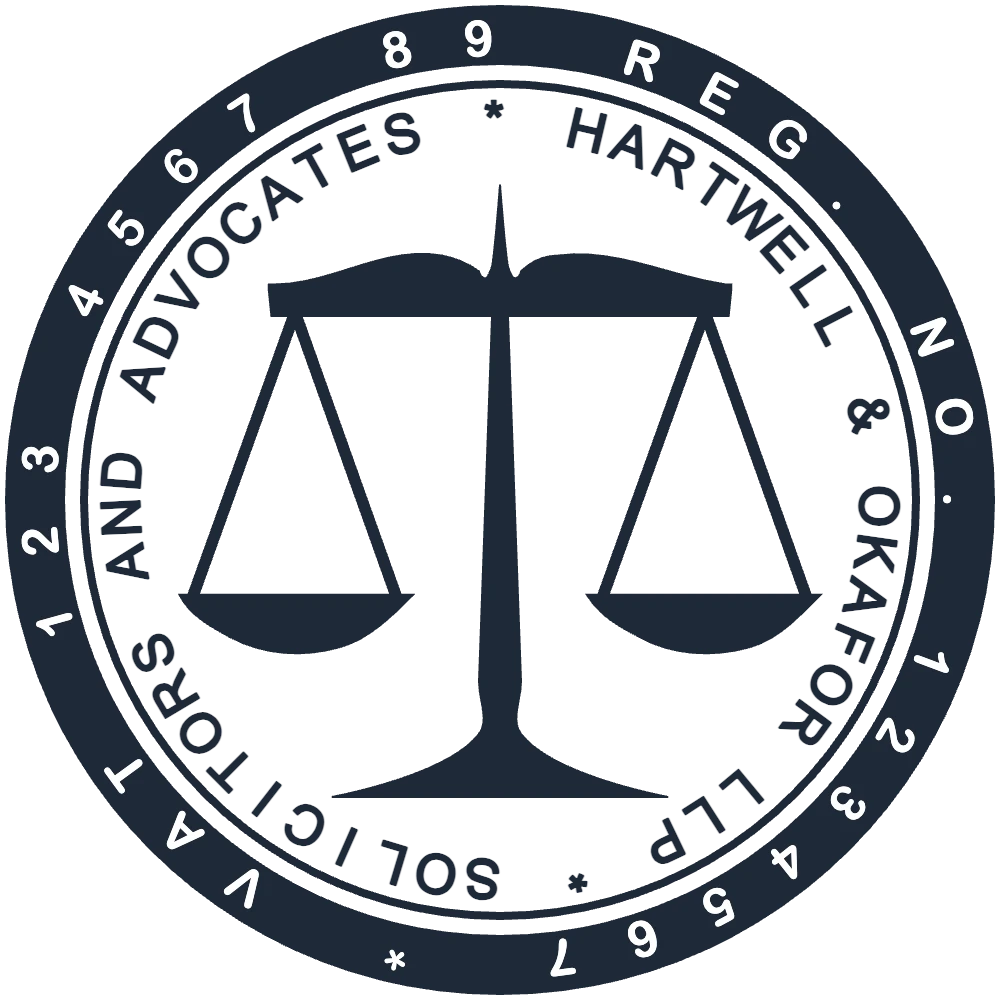
The firm's own mark beside a partner's signature on engagement letters, fee notes and file covers.
Open in editorThe date of arrival on letters, notices and documents handed in at reception.
Open in editorA heading for settlement letters and their file copies, sized to sit above the first line.
Open in editorA firm's stamps are about record-keeping: when something arrived, which document is the original and how a letter should be treated.
RECEIVED with the date and the initials of whoever opened the envelope answers later questions about when a letter or notice reached the firm.
COPY, FILE COPY or ORIGINAL SEEN keeps scans and photocopies apart from originals in the matter file. When a law or an authority asks for a certified copy, follow its rules: an office stamp alone certifies nothing.
WITHOUT PREJUDICE, PRIVATE & CONFIDENTIAL or PRIVILEGED stamped on outgoing letters and on the copy kept on file, so the heading is never left off.
The firm seal, or an address stamp with registration and VAT numbers, next to a partner's signature on engagement letters, fee notes and invoices.
Keep the seal to the firm's identity and leave dates and initials to the office stamps. Professional rules on what a firm must show on its stationery differ between countries and bars, so check the ones that apply to you.
Open the round seal, the RECEIVED stamp or the WITHOUT PREJUDICE mark above, or start from a blank circle, oval or rectangle.
Put the firm name on the inner ring and the registration or VAT number on the outer one. Arial and Times stay readable on scans.
Round seals are often 38 to 45 mm; a WITHOUT PREJUDICE mark of about 45 × 10 mm fits above the first line of a letter.
Choose a DOCX or a transparent PNG for letters and PDFs, and an SVG, EPS or PDF file for the maker of your rubber or self-inking stamp.
Most post is scanned into the matter file the day it arrives. Bright red can turn pale grey on a black-and-white scan; dark red, navy or black stay readable.
Ask staff to press the RECEIVED stamp in the same corner of the first page, where the date is found at a glance and never covers text.
Blue for RECEIVED and red for COPY lets anyone tell an original from a copy across the room.
Design the firm's own seal. Do not copy the arms, seals or wording of courts, bar associations or government bodies.
No. StampDr helps you design your firm's own mark; it gives the mark no legal standing. Whether a document needs a seal, and which one, depends on the law of your country and the court or authority involved. A seal never replaces a lawyer's signature, practising certificate or registration, so check with your bar or law society.
Not on its own. Whether a letter is protected depends on what it says and on the law that applies; the stamp is a reminder for the reader and for your file.
Yes. Download a DOCX file or a transparent PNG and place it next to the signature block. The same design also exports as SVG, EPS or PDF for a physical stamp.
Save the firm design in My Library, then duplicate it for each office or lawyer and change only the address or name line, so every version matches.
No. You can design the seal and preview it at its real size for free, and pay only when you download a file, either once or with a plan.
Start with the round seal above, type in the firm's name and office, and check it at its real size next to a signature.
Professional online stamp maker. Create custom stamps with ease and precision.