Stamping PDFs
Put your existing company stamp on PDF contracts and invoices without having it redrawn.
Upload a photo or scan of a stamped page and keep only the ink. Pick the stamp colour, erase handwriting or lines that cross it, and download a transparent PNG you can place on PDFs, invoices and letters.
JPG, PNG or WebP up to 40 MB. The image is processed in your browser.
or paste with Ctrl V
How it works
The tool separates ink from paper by colour, so it works on scans, phone photos and screenshots alike.
Drop a JPG, PNG or WebP of the stamped document, paste it from the clipboard or try the sample invoice.
The stamp colour is found automatically. If text or a signature in another colour is picked up, click the stamp itself to set the right ink, or type its hex code.
Adjust the sensitivity, erase lines that cross the stamp and download a transparent PNG at full resolution.
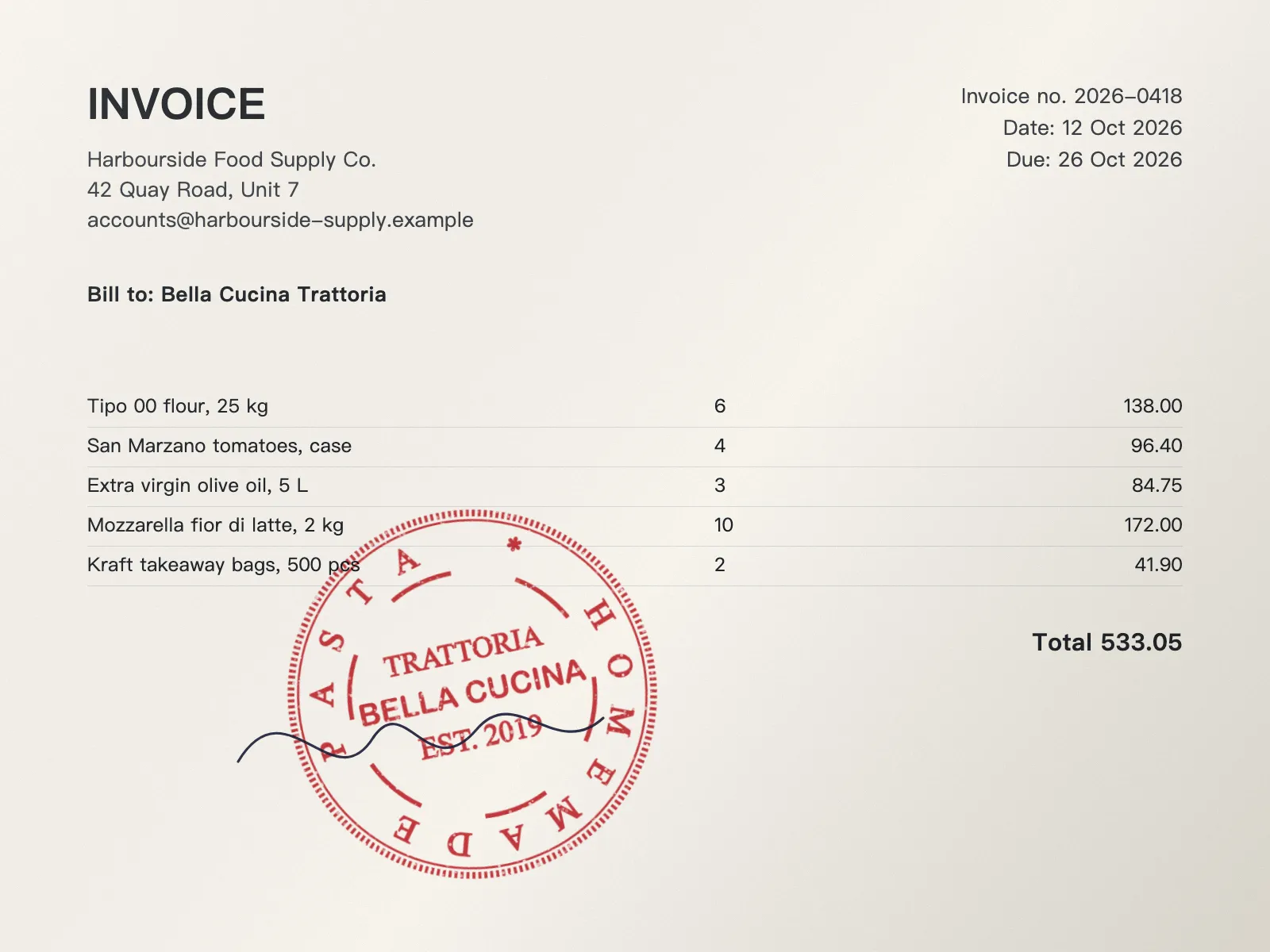

Your stamp exists on paper, and now you need it as a file.
Put your existing company stamp on PDF contracts and invoices without having it redrawn.
Save a clean copy of a stamp you only have on paper before the original wears out or goes missing.
Open the cut-out in the StampDr editor to change the text or order it again as a rubber stamp.
A better source image needs less clean-up.
Photograph the page flat, in daylight and without the shadow of your phone across it.
Raise it if the stamp looks patchy; lower it if paper texture or blue pen starts to show.
A signature in the same colour as the stamp cannot be separated by colour. Erase it with the brush.
A 300 dpi scan or a sharp phone photo gives a cut-out large enough to print at the stamp's real size.
No. The background is removed in your browser and the photo stays on your device.
Anyone can try the tool and see the preview. Downloading, copying or opening the result in the editor is included with a StampDr monthly, yearly or lifetime plan.
A PNG with a transparent background, cropped to the stamp if you leave cropping on. You can also choose JPG or WebP and set the print size.
Only use a stamp you are authorised to use. The tool copies what is in your photo; it does not make a stamp valid where an original impression or a signature is required.
Yes, with any ink colour that differs from the paper. A black stamp on black text needs the eraser to remove the text.
Professional online stamp maker. Create custom stamps with ease and precision.