Takeaway bags and boxes
A round mark with your name turns a plain kraft bag into branded packaging. You only stamp what you use, so there is no stock of printed bags to run down.
Stamps for restaurants, cafés and takeaways
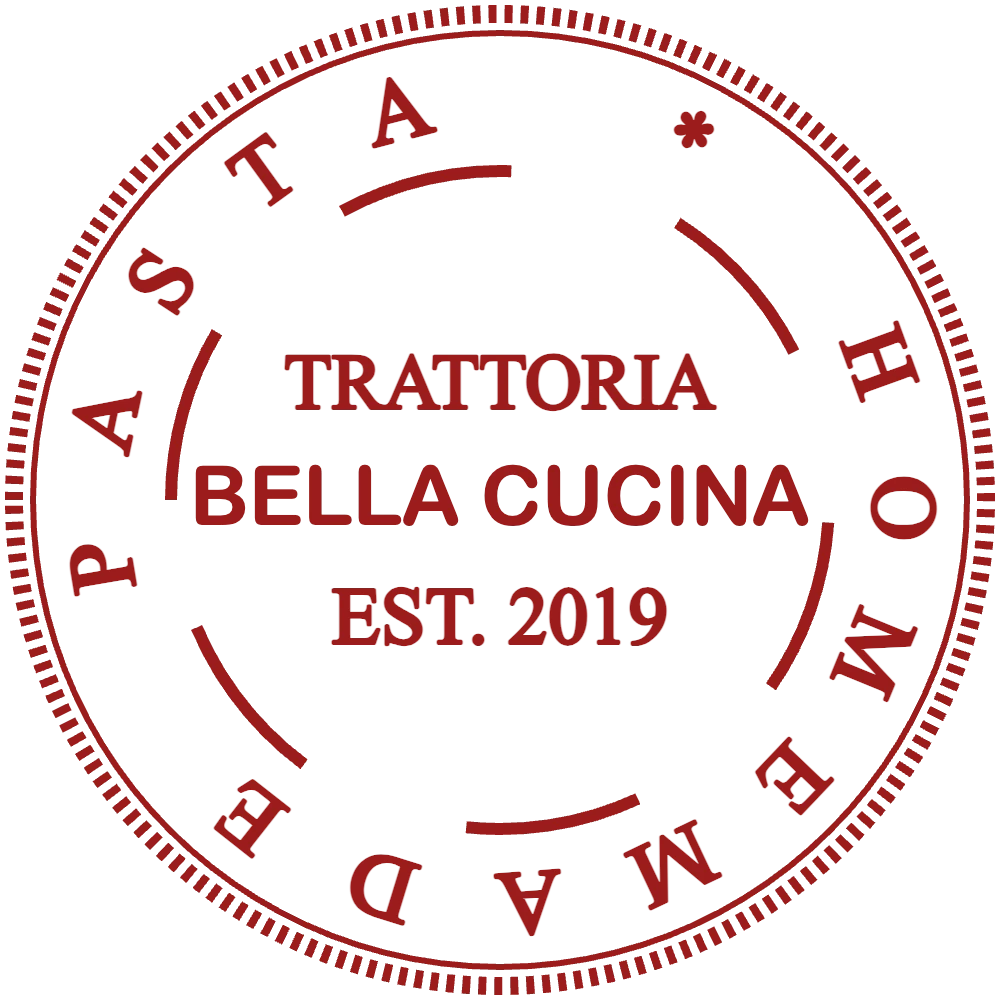
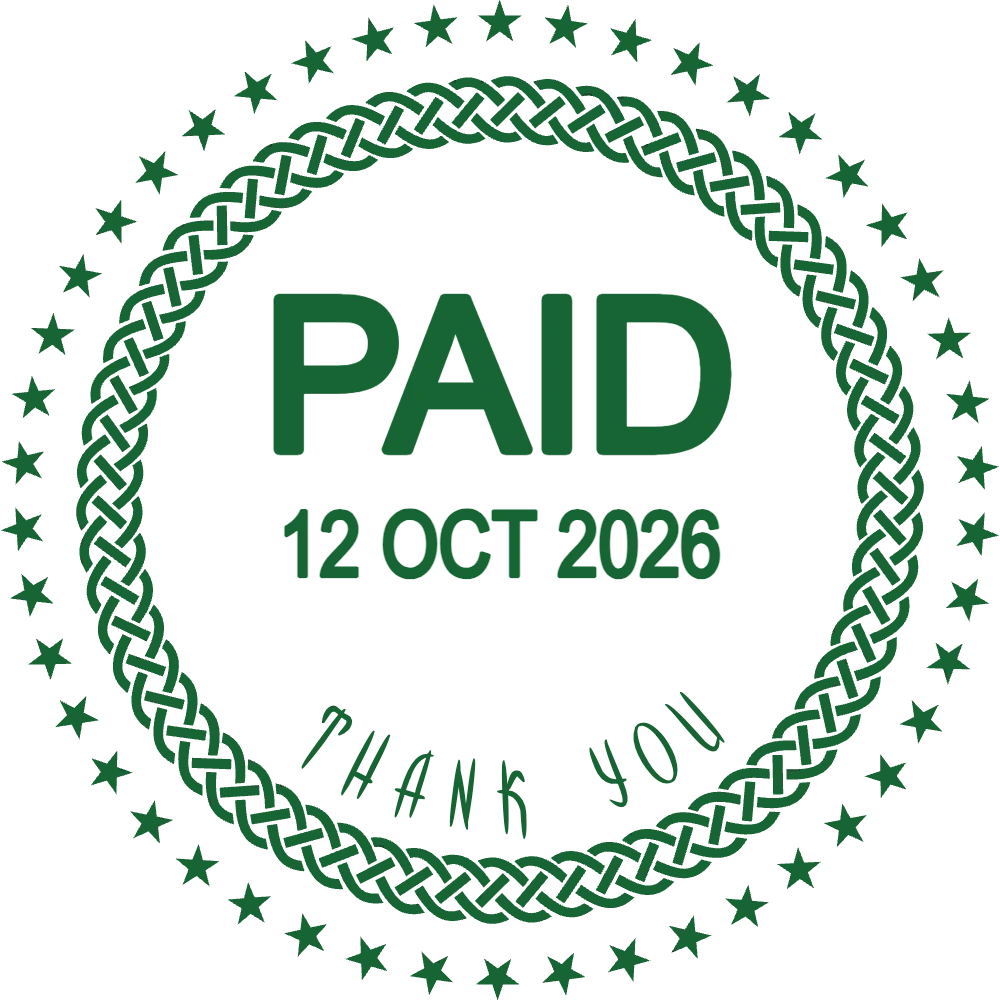
Design the stamps a restaurant actually uses: a round logo mark for takeaway bags and napkins, a PAID stamp for bills, a receiving stamp for the kitchen door and a small mark for loyalty cards. Start from a ready layout, type your name and address, and check the result before you order a rubber stamp or print labels.
Each design opens in the editor with the text already filled in. Replace the sample name, address and date with your own.
For takeaway bags, pizza boxes and paper napkins.
Open in editorFor bills, delivery receipts and catering invoices.
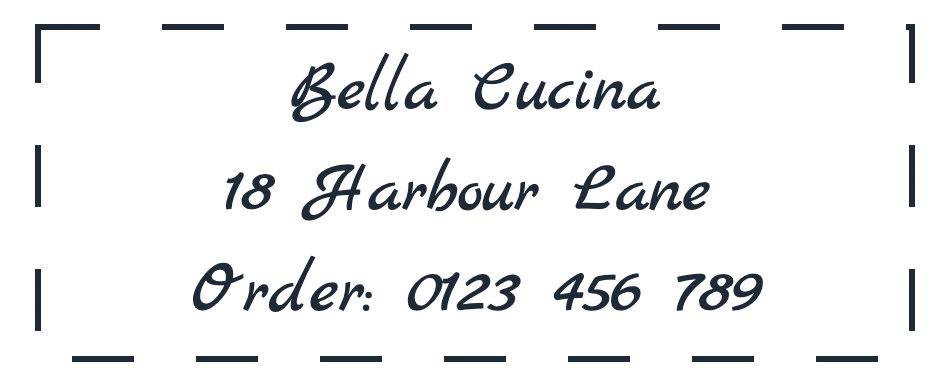
Open in editorName, street and how to order again, on kraft bags and boxes.
Open in editorMost restaurants end up with three or four stamps. They cost less than printed packaging and are faster than writing the same details by hand during service.
A round mark with your name turns a plain kraft bag into branded packaging. You only stamp what you use, so there is no stock of printed bags to run down.
PAID, the date and a short thank-you line make a handwritten bill look finished and stop the same bill from being presented twice.
A RECEIVED stamp with lines for the time, the temperature check and the initials of whoever signed keeps supplier sheets readable when they are checked later.
A small, distinctive mark such as a cup, a slice or your initials is hard to copy with a biro and quick to press at the till.
Give each stamp one job. A bag stamp says who you are and how to order again; a receiving stamp needs room to write.
Open one of the designs above or start from a blank round or rectangular stamp in the editor.
Replace the sample text, choose a font that matches your menu and pick an ink colour. Dark red, green and black read well on kraft paper.
Enter the size in millimetres. A 40 mm round stamp suits bags and boxes; 50 × 20 mm suits bills and delivery notes.
Download a PNG to print labels or stamp digital documents, or a vector file (SVG, EPS or PDF) for the company that makes your rubber stamp.
Kraft and recycled paper soak up ink, so thin lines and small serif type fill in. Bold fonts and solid borders print cleanly.
Dark ink on brown paper is easy to read; light blue or yellow almost disappears.
For a stamp you use every day, leave a line for the date or use a separate date stamp instead of fixing one date in the design.
Print the PNG at 100% and hold it against a bag, a box and a napkin before you order.
Yes. Download a vector file (SVG, EPS or PDF) for the stamp maker and a high-resolution PNG for label printing. Both come from the same design, so the sizes match.
A round stamp between 35 and 50 mm works on most bags and boxes. Measure the flat area you will stamp on and leave a margin of about 5 mm.
Dark colours: black, dark red, dark green or navy. Pale colours and thin lines are hard to read on brown paper.
Yes. Upload your logo in the editor and place it in the centre of a round stamp. Simple logos with solid shapes print best; very fine detail may need simplifying.
You can design and preview as many stamps as you like for free. You pay only to download the final file, either as a single export or with a plan.
Open a layout, type your restaurant's name and see the stamp at its real size in a minute.
Professional online stamp maker. Create custom stamps with ease and precision.