Supplier invoices
An approval box with lines for account code, checks, amount and approver keeps the authorisation on the invoice itself, where an auditor will look for it.
Stamps for accountants, bookkeepers and finance teams
Bookkeeping still runs on marks made on paper and PDFs: a supplier invoice is checked, coded to an account, approved and finally marked PAID; client records arrive and are logged; finished accounts leave the office with the firm's stamp. StampDr's stamp maker lets you lay out an invoice approval box, a round firm seal and a PAID IN FULL stamp, try them at full scale and export files for a self-inking stamp or for marking PDF invoices.
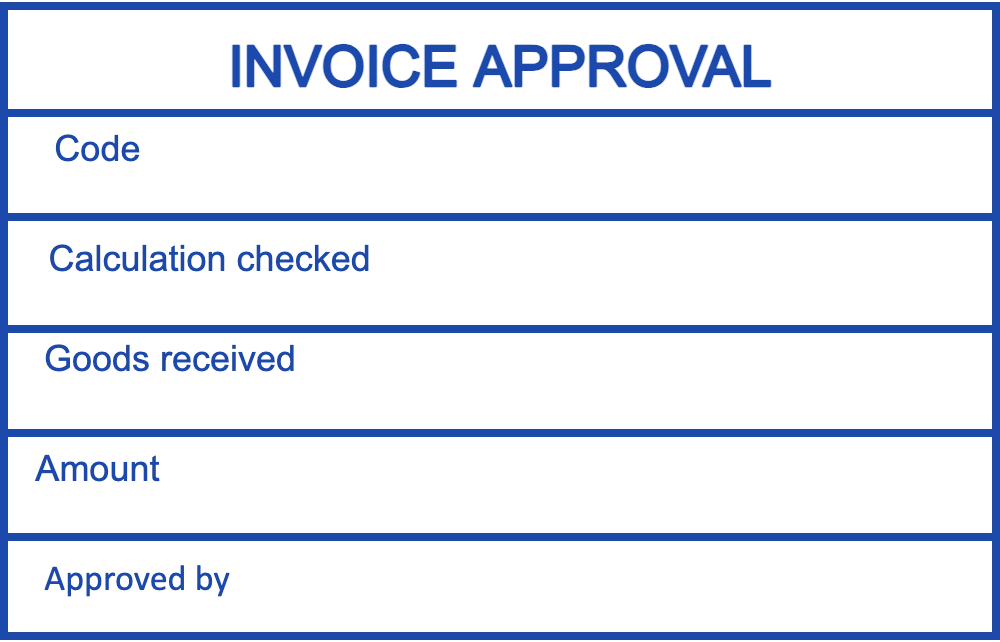
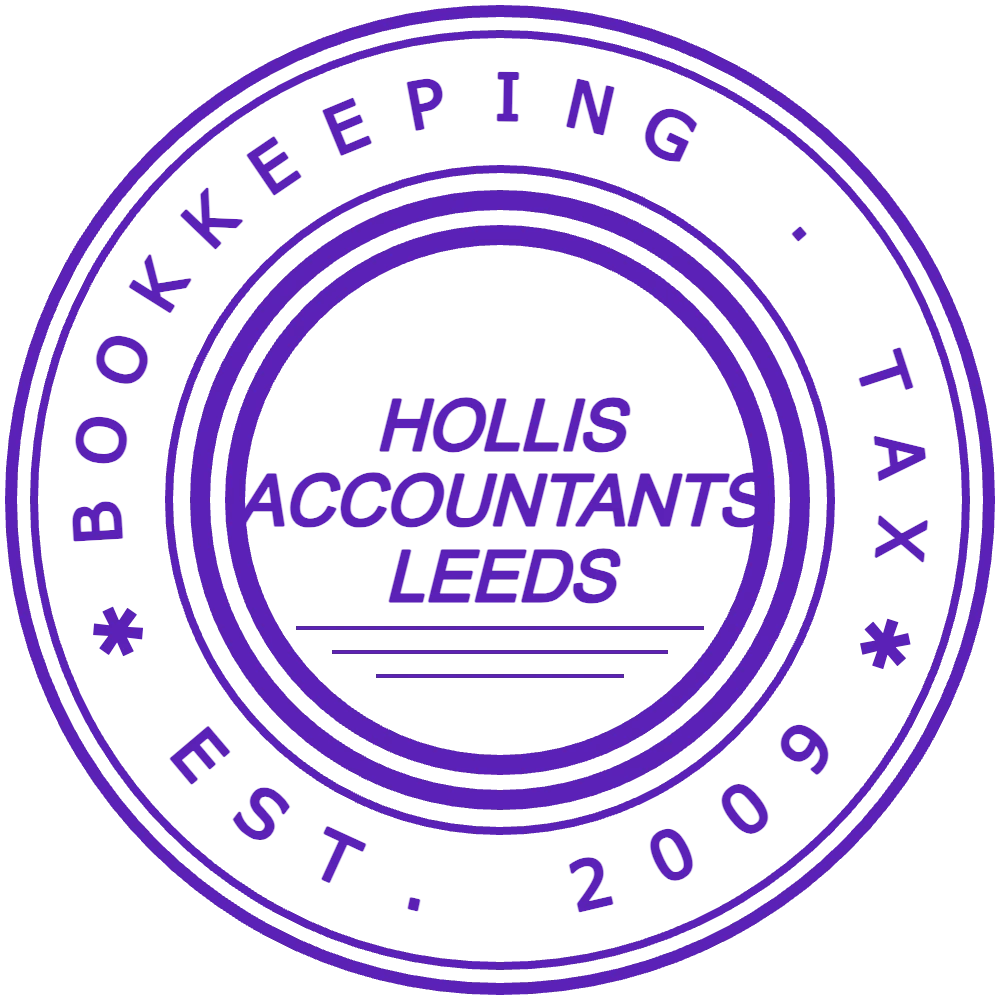
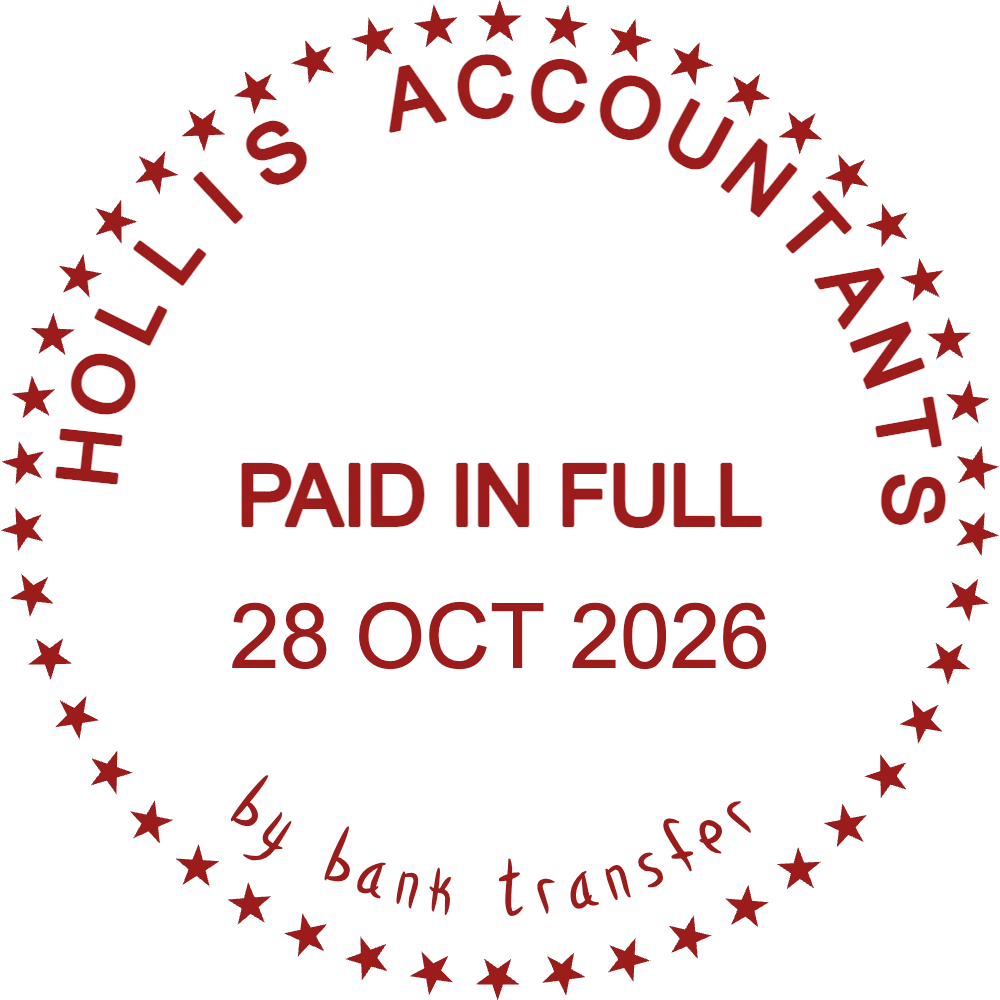
The designs open with a fictional practice's details and sample labels. Rename the lines to match your own approval steps.
Lines for account code, checks, amount and approver on supplier invoices and expense claims.
Open in editorFor the cover of annual accounts, engagement letters and the firm's own invoices.
Open in editorDate and payment method on settled invoices, so nothing is paid twice.
Open in editorA stamp turns each step in the payment and filing routine into a visible mark, so anyone picking up a document can see where it stands.
An approval box with lines for account code, checks, amount and approver keeps the authorisation on the invoice itself, where an auditor will look for it.
PAID or PAID IN FULL with the date and method stops the same invoice going through twice and answers supplier queries quickly.
RECEIVED with the date on boxes of receipts, bank statements and payroll files shows when a client's records reached the practice.
POSTED, ENTERED or a reviewer's tick stamp with initials marks vouchers that are already in the ledger.
Working stamps need labels and space to write; the firm seal carries the practice's identity. Professional bodies and tax authorities set their own rules on how accountants sign and identify their work, so check what applies to you.
Open the invoice approval design and rename each row to match the checks your clients or your team carry out.
Put the firm name on the seal and on the PAID stamp. Services or a registration number can go on the outer ring.
Approval boxes of about 47 × 30 mm fit beside an invoice total; round seals of 38 mm suit report covers.
Get a transparent PNG to approve PDF invoices on screen, and send the SVG, EPS or PDF version to whoever makes the rubber stamp.
Account codes and amounts are written by hand, often in a hurry. If a row is under 5 mm tall, figures run into the lines.
Red for PAID and blue for approval stamps lets you sort a pile of invoices by colour.
Place approval stamps away from the totals and the supplier's bank details, so nothing important is covered on the scan.
Bookkeepers working for several clients can save one approval box per client in My Library, each with that client's name and account codes.
No. A stamp records that a step happened; it is not an audit report, a certification or a substitute for a signature. How accountants must sign and identify their work is set by professional bodies and tax authorities in each country.
Yes. Download the approval box as a transparent PNG, place it on the PDF and type or write in the lines. Many teams keep the paper stamp as well.
Most fit in 45 to 60 mm wide and 25 to 35 mm high, enough for four or five rows. Check the free space on the invoices you receive most often.
Yes. Designs are saved in My Library, so you can rename rows when your approval steps change and download a new file.
Only when you download. Building and previewing designs is free; each download is paid for singly or covered by a subscription, monthly, yearly or lifetime.
Open the approval box, rename the rows to match your process and print a full-size proof before ordering.
Professional online stamp maker. Create custom stamps with ease and precision.