Sharing only the stamp
Send someone the stamp area of a form without the names, amounts and addresses printed around it.
Cut a stamp out of a scanned page, a photo or a screenshot without opening a photo editor. Choose a rectangle, circle or oval, let the tool snap the frame around the stamp, then fine-tune it by dragging or by typing exact pixel values. Round and oval crops get transparent corners, and every change can be undone.
PNG, JPG or WebP up to 40 MB. A larger scan leaves more room for a precise crop.
or paste with Ctrl V
Cropping, step by step
The selection starts around the stamp the tool finds on the page, so most crops need only a small adjustment.
Drop a JPG, PNG or WebP scan, paste a screenshot, or try the sample certificate.
Pick rectangle, circle or oval, snap the frame to the stamp with the margin you want, or drag the handles yourself.
Watch the result preview and its pixel size, undo any step, and download the crop as PNG, JPG or WebP.
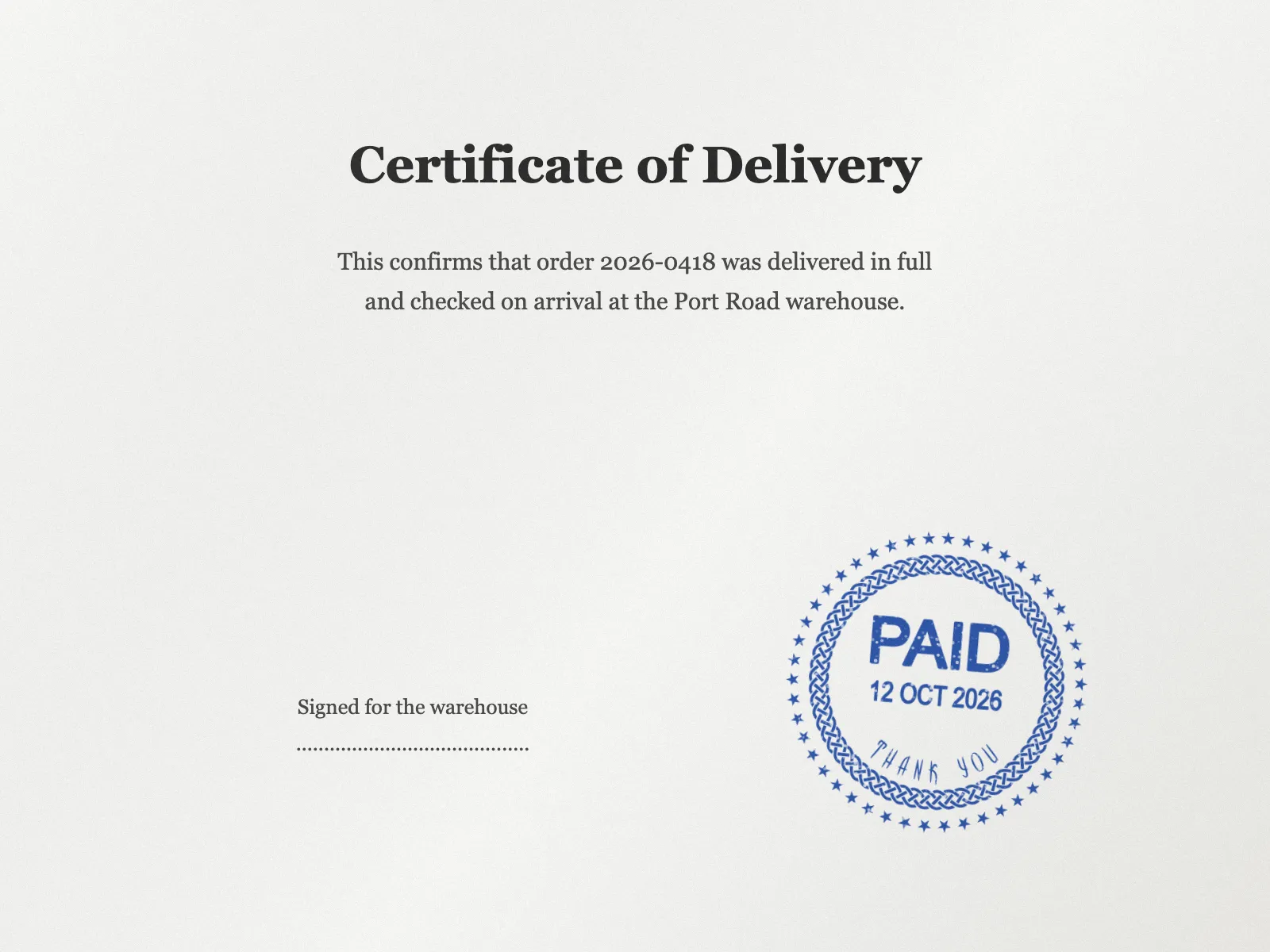
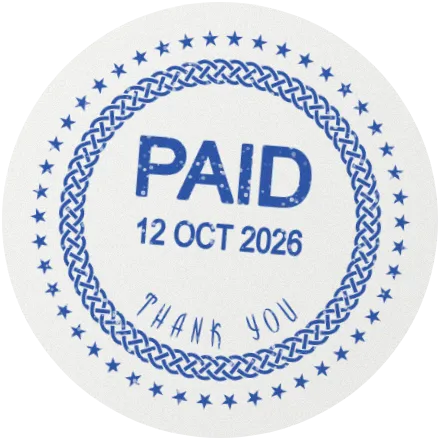
A stamp usually sits in one corner of a much larger page.
Send someone the stamp area of a form without the names, amounts and addresses printed around it.
A circle crop removes the square corners of the scan, so a round seal sits cleanly on a coloured slide or letterhead.
Use the same margin for every stamp in a catalogue or archive so each one has the same spacing around it.
A few habits keep crops tidy and repeatable.
Let the tool find the stamp, then nudge one edge if a date or signature should stay inside the frame.
When every scanned form puts the stamp in the same place, type the same left, top, width and height values each time.
On a crowded page, crop the general area first, then use that result as the new image for a tighter second crop.
Save circle and oval crops as PNG or WebP; JPG has no transparency and fills the corners with white.
No. The crop is calculated in your browser, so the scan and the result both stay on your device.
The preview is open to everyone and carries a watermark. To save the crop without it, copy it or take it into the editor, you need a StampDr plan: monthly, yearly or lifetime.
No. Everything inside the frame is kept, paper included; only the area outside a circle or oval becomes transparent. To keep just the ink, remove the background as well.
Its width and height are kept equal. If you type a new value for one, the other follows.
Only if you have the right to use that stamp, such as your own company's. A cropped image is a picture of the impression; it does not stand in for the stamped original where one is required.
Professional online stamp maker. Create custom stamps with ease and precision.