Invitations and RSVP cards
A seal on the envelope flap and a reply-by date on the RSVP card cost less than custom printing and can change for every couple.
Stamps for wedding and event planners
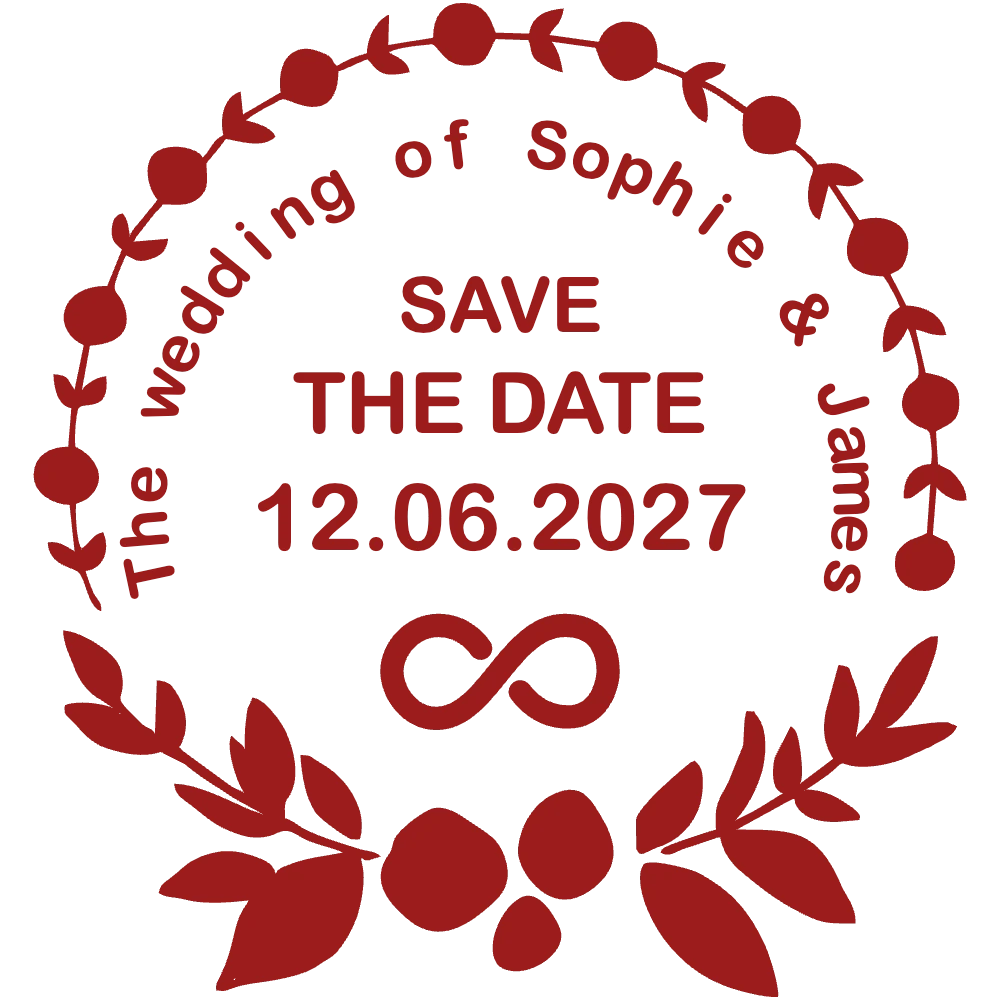
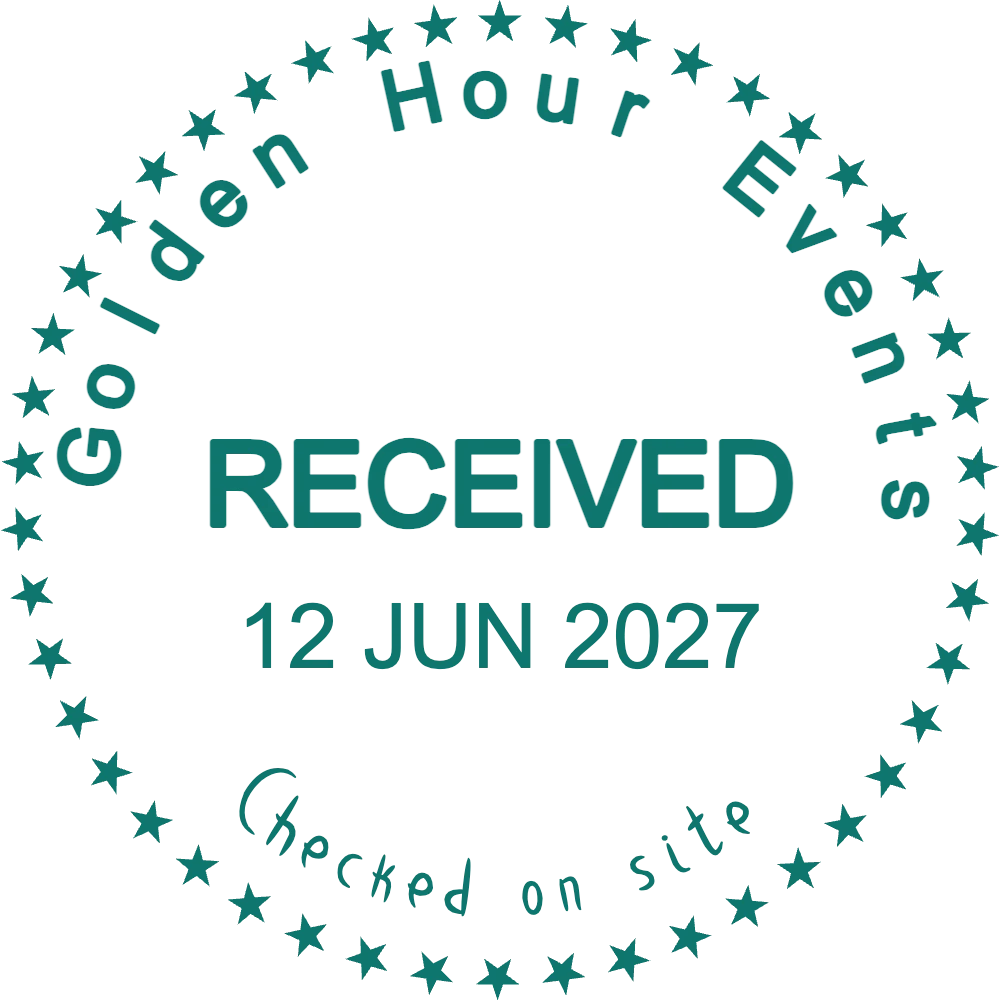
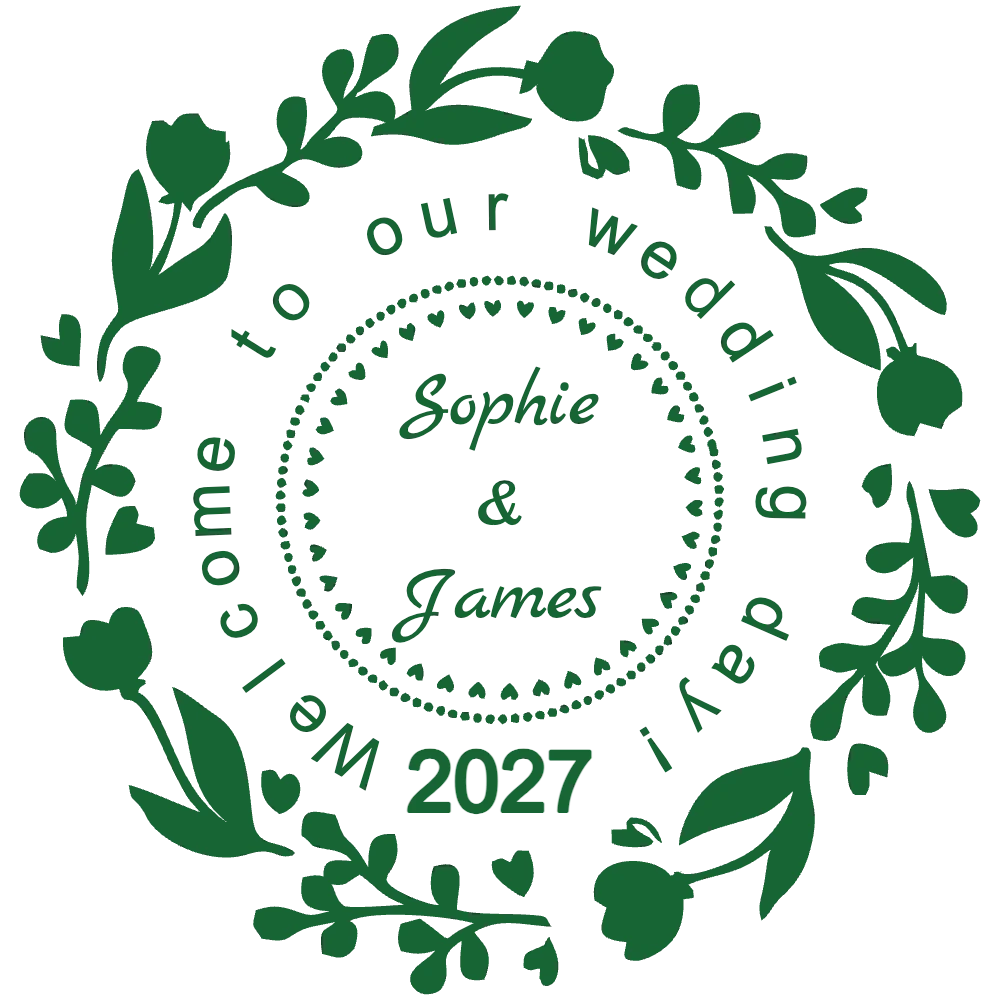
An event planner deals with two kinds of paper: the pretty kind guests see and the practical kind suppliers sign. With StampDr's stamp maker you can design both: a save-the-date seal for invitations and RSVP cards, a floral stamp with the couple's names for welcome bags and favours, and a RECEIVED stamp for delivery notes on the day. Preview each one at its real size, then download the file.
Each design opens in the editor with sample names and a date. Change them for each couple or event and keep every version.
For invitations, envelope flaps, RSVP cards and printed save-the-date cards.
Open in editorFor supplier delivery notes, hire lists and decor checklists on the event day.
Open in editorFor guest welcome bags, favour boxes, place cards and table numbers.
Open in editorA stamp lets you personalise hundreds of paper items in an afternoon, and keeps supplier paperwork just as organised on the day itself, when nobody has time to write the same details twice.
A seal on the envelope flap and a reply-by date on the RSVP card cost less than custom printing and can change for every couple.
Names and the date stamped on paper bags, tags and favour boxes make a hundred identical items feel made for that day.
A RECEIVED stamp with the date and venue on each delivery note records what arrived from the florist, the caterer and the hire company, and when.
DONE or CHECKED stamps on a printed run sheet show the whole team at a glance which tasks are finished.
Guest-facing stamps need names and a date; supplier stamps need your company name and space to write. Plan both sets:
Open one of the designs above, or start from a wreath, a border of leaves or a plain circle.
Type the names, the date and the venue. A script font suits names; a plain font keeps dates easy to read.
Set the ink colour from the wedding palette and the size from the paper: 30 to 40 mm for envelopes and bags, 20 to 25 mm for place cards.
Use the PNG on digital invitations and wedding websites, and send the SVG, EPS or PDF to the stamp maker for the paper pieces.
Save the design in My Library and duplicate it for each client. Only the names and the date change, so the stamp for the next wedding is ready in minutes.
Cotton and handmade papers take ink unevenly. Bold script fonts survive, while very thin calligraphy may break up.
Light ink on dark envelopes needs bold letters and few fine details. Ask the stamp maker which inks suit the stamp you order.
Do not use the pretty wedding stamp on delivery notes. A plain RECEIVED stamp with your company name is clearer for suppliers.
Yes. Save a base design, then duplicate it and change the names and date for each couple. Every version stays in My Library.
A round stamp of 30 to 40 mm suits envelope flaps and invitation cards; welcome bags can take 40 to 50 mm.
Yes. Download a transparent PNG and add it to an e-invitation, a wedding website or an email.
Yes. Set any ink colour in the editor; for a rubber stamp, tell the stamp maker which ink colour you need.
No. Designing and previewing are free, so you can show a couple several options first. You pay only to download the final file, once or with a monthly, yearly or lifetime plan.
Type the couple's names into a layout, choose an ink from the wedding palette and see the stamp at envelope size before you order it.
Professional online stamp maker. Create custom stamps with ease and precision.