Back of prints
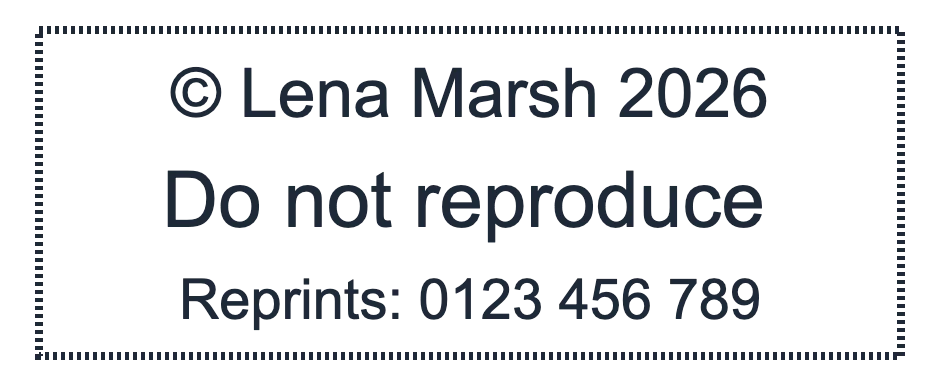
A copyright line, the year and a reprint number on the back of each print tell anyone who finds it later who made it and where to order another.
Stamps for photographers and photo studios
Photographers stamp more than invoices: the back of every print, the corner of a contact sheet, the sleeve a print is delivered in and the box an album ships in. Design those marks with StampDr's stamp maker: a copyright stamp with your name and a number for reprints, a round studio seal with a camera, and a PROOF stamp with a line for the frame number. Check them at their real size, then download.

Each design opens in the editor with a sample photographer. Replace the name, year and contact line with your own.
For the back of prints, mounts and archive envelopes, with a number for reprint orders.
Open in editorFor print sleeves, album boxes, thank-you cards and the tissue a print is wrapped in.
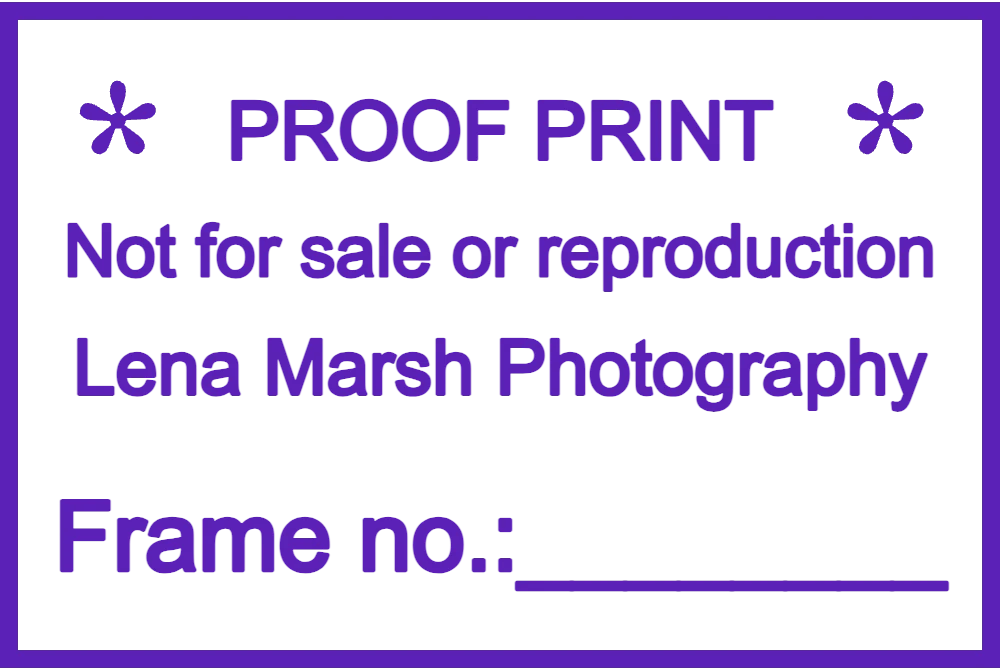
Open in editorFor proof prints and contact sheets that clients choose from, with a line for the frame number.
Open in editorA print can be separated from its invoice and emails within days. A stamp on the paper itself keeps your name, your rights and your contact details with the photograph.
A copyright line, the year and a reprint number on the back of each print tell anyone who finds it later who made it and where to order another.
PROOF across a proof print, or a frame number line on a contact sheet, keeps client selections clear and discourages copying.
A round seal on print sleeves, album boxes and tissue gives a hand-packed delivery the look of a studio order.
A studio stamp with your business details beside the signature on quotes, invoices and release forms makes every paper copy easy to trace.
The back of a print has room for three short lines at most. Choose the details a client, a gallery or a print lab will need:
Open a design above, or start from a rectangle for print backs and a circle for packaging.
Type your name, the © line and your contact. Upload your own logo or keep the camera icon on the round seal.
A print-back stamp of about 47 × 18 mm fits behind a 10 × 15 cm print; a 40 mm round seal suits sleeves and boxes.
Save a vector file (SVG, EPS or PDF) for the rubber stamp and a transparent PNG to place on digital proofs or invoices.
Ink can show through thin photo paper or transfer to the next print in a stack. Press lightly, use an ink suited to the paper and let prints dry apart.
Never stamp the front of a print that a client will frame. Use the back, the mount or the sleeve instead.
Camera icons and script fonts look good on screen but fill in at 30 mm. Check the preview at real size before ordering.
A transparent PNG of your seal, placed at low opacity, marks digital proofs the same way the rubber stamp marks paper ones.
A stamp shows who made the photograph and asks people not to copy it; it does not create or register any rights. Copyright rules differ by country, so check your local law and keep your contracts clear.
Ask your stamp supplier for ink suited to resin-coated or glossy paper; ordinary office ink may smudge or never dry. Test on a spare print first.
Yes. Download a PNG with a transparent background and place it over the image in your editing software at the opacity you like.
Around 40 × 15 mm to 50 × 20 mm fits behind a 10 × 15 cm print and still leaves space to write a frame number.
Yes. Creating, editing and previewing stamps costs nothing. Payment comes only when you download the final file, as a single export or with a plan.
Type your name and copyright line into a layout and see it at the size of the back of a print.
Professional online stamp maker. Create custom stamps with ease and precision.