Crooked scans
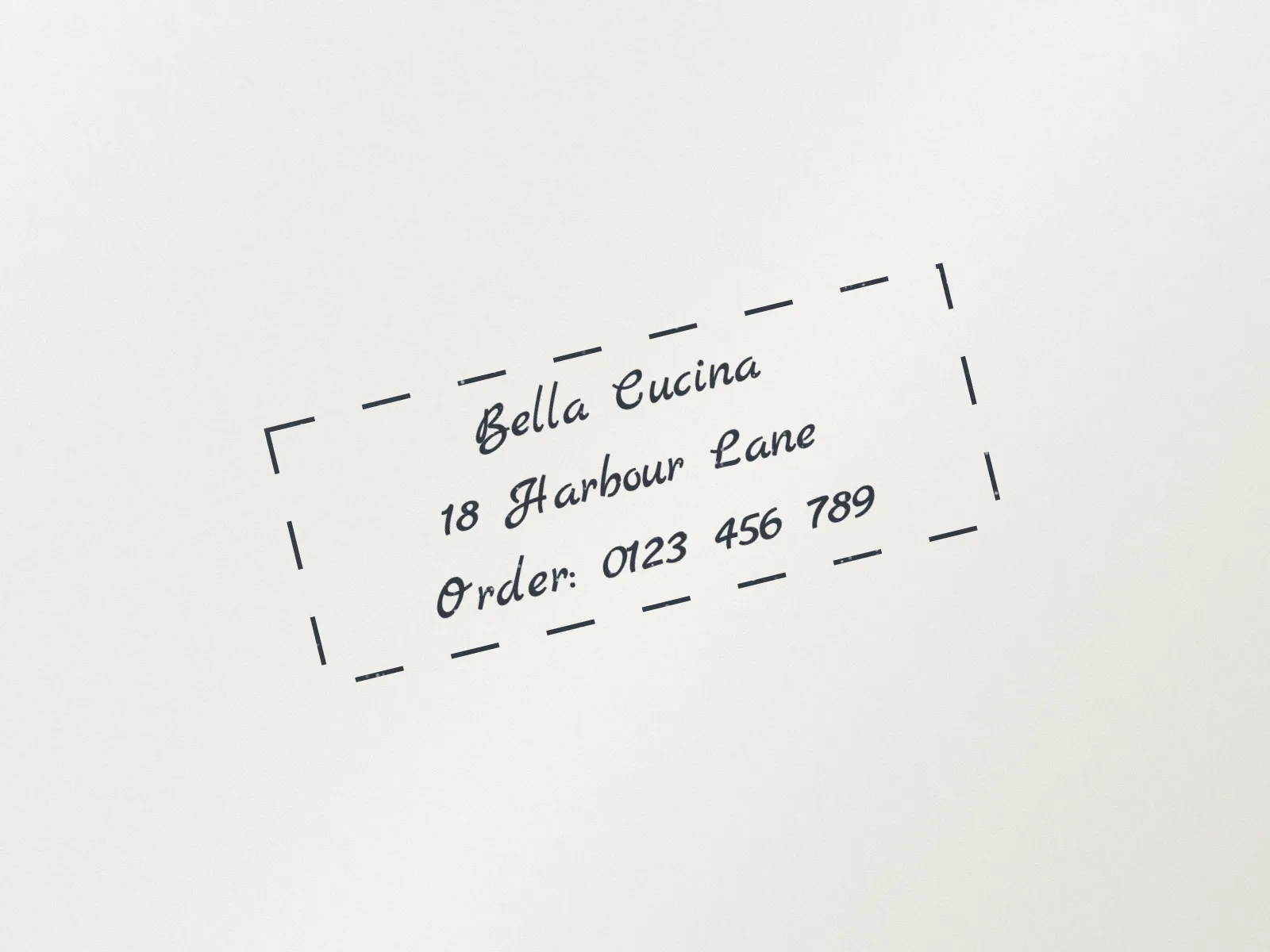
A page fed into the scanner at a slant leaves the stamp tilted; level it before placing it on a clean document.
Turn a stamp that was scanned crooked, photographed sideways or pressed at an angle. Straighten it automatically from its text and border, or set the angle yourself in degrees, by tenths, with the 90° buttons or quick presets. A guide grid shows when lines are level, and the canvas grows so no corner of the stamp is cut off.
PNG, SVG, JPG or WebP up to 40 MB. Transparent PNG and SVG keep the new corners empty.
or paste with Ctrl V
Getting the angle right
Each preview is drawn again from the original image, so trying several angles costs nothing in quality.
Load a PNG, JPG, WebP or SVG, or start with the sample stamp. The guide grid is on from the start.
Press auto-straighten, drag the slider, type a value or use the 90° and quick-angle buttons. Positive angles turn the stamp anticlockwise.
Download the rotated stamp as PNG, JPG or WebP, copy it, or send it straight to the editor.
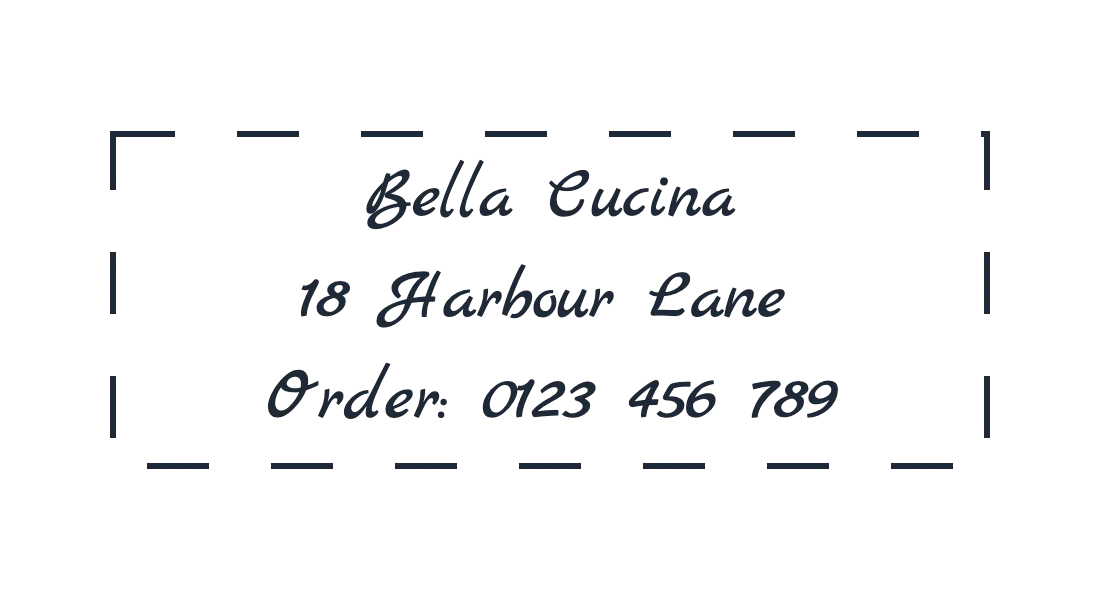
Most rotations fix a scan; some add an angle on purpose.
A page fed into the scanner at a slant leaves the stamp tilted; level it before placing it on a clean document.
Turn a photo taken in the wrong orientation upright with a single 90° step.
Tilt a PAID or APPROVED stamp by a few degrees on your own invoices so it looks pressed by hand.
Small angles are where most of the work is.
Line up the base of the text or a straight border with a grid line to judge the last fraction of a degree.
If auto-straighten lands close but not exact, finish with the 0.1° buttons.
A rotated image is larger than the stamp itself; crop it afterwards if you need a tight frame.
The new corners are transparent in PNG and WebP but turn white in a JPG.
Anticlockwise. Negative values turn it clockwise, and the angle runs from -180° to 180°.
The canvas widens to fit the turned corners, so nothing is clipped. The extra area is transparent unless you save as JPG.
Without a plan you can rotate, straighten and inspect the watermarked preview. Once you are on a StampDr monthly, yearly or lifetime plan, the rotated stamp can also be downloaded, copied and sent to the editor.
In your browser. The stamp is rotated on your device and is not uploaded.
Use only stamps that you or your organisation are allowed to use. Turning the image does not change what it is: a copy, which does not replace the stamped original where one is required.
Professional online stamp maker. Create custom stamps with ease and precision.