Matching an ink colour
Switch a stamp delivered in black to the red or blue ink your rubber stamp uses.
Open a vector stamp and change it without design software. Apply one ink colour to the whole stamp or recolour layers one by one, hide or lock parts, change their opacity, order and position, and set the output size. Download the result as SVG for print or as PNG, JPG or WebP for documents, or open it in the StampDr editor.
A clean vector file with paths, shapes or text. It is opened in your browser.
or paste with Ctrl V
Editing the vector
Layers are read from the groups and shapes saved in the file, using the names your design program gave them.
Drop an SVG file or try the sample. Scripts and links to outside files are removed before the drawing is shown.
Pick one stamp colour, or select a layer to rename, recolour, fade, move, scale, duplicate or hide it. Solo mode shows that layer on its own.
Set the size, then download SVG, PNG, JPG or WebP, copy the image or open it in the editor.
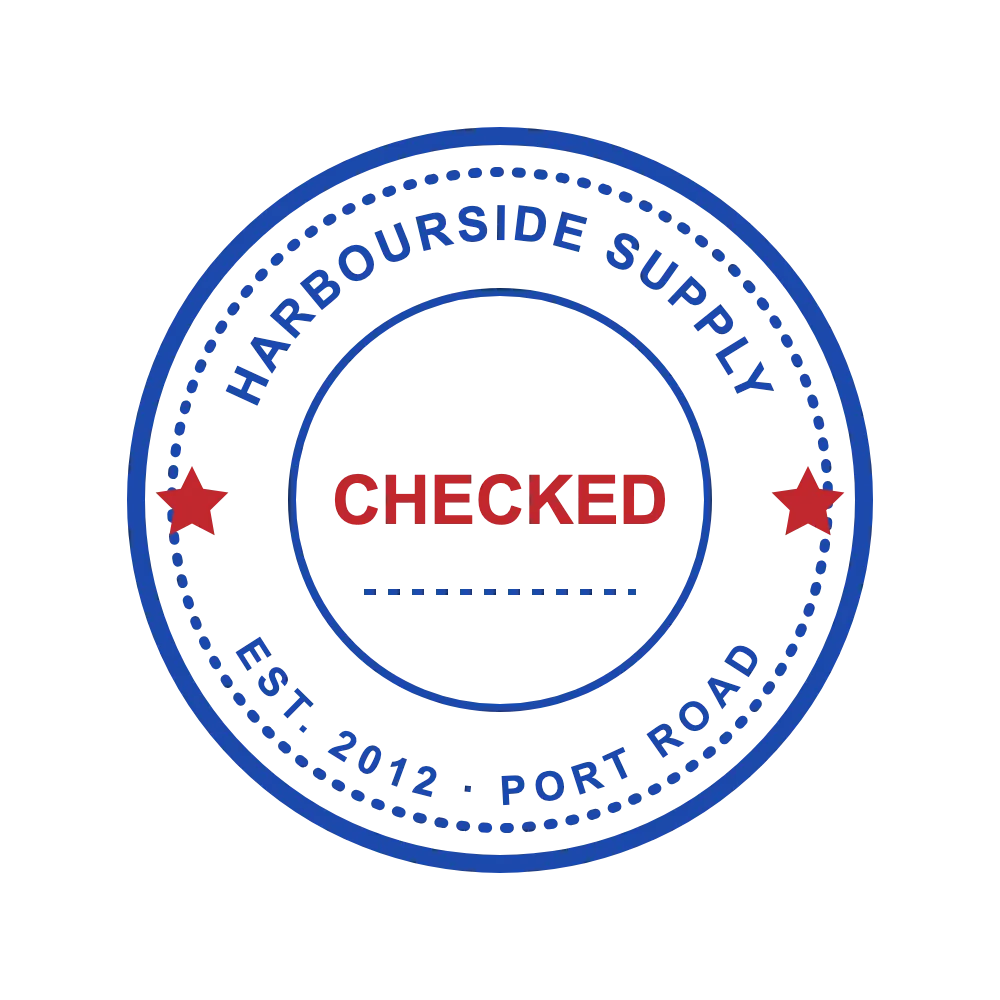
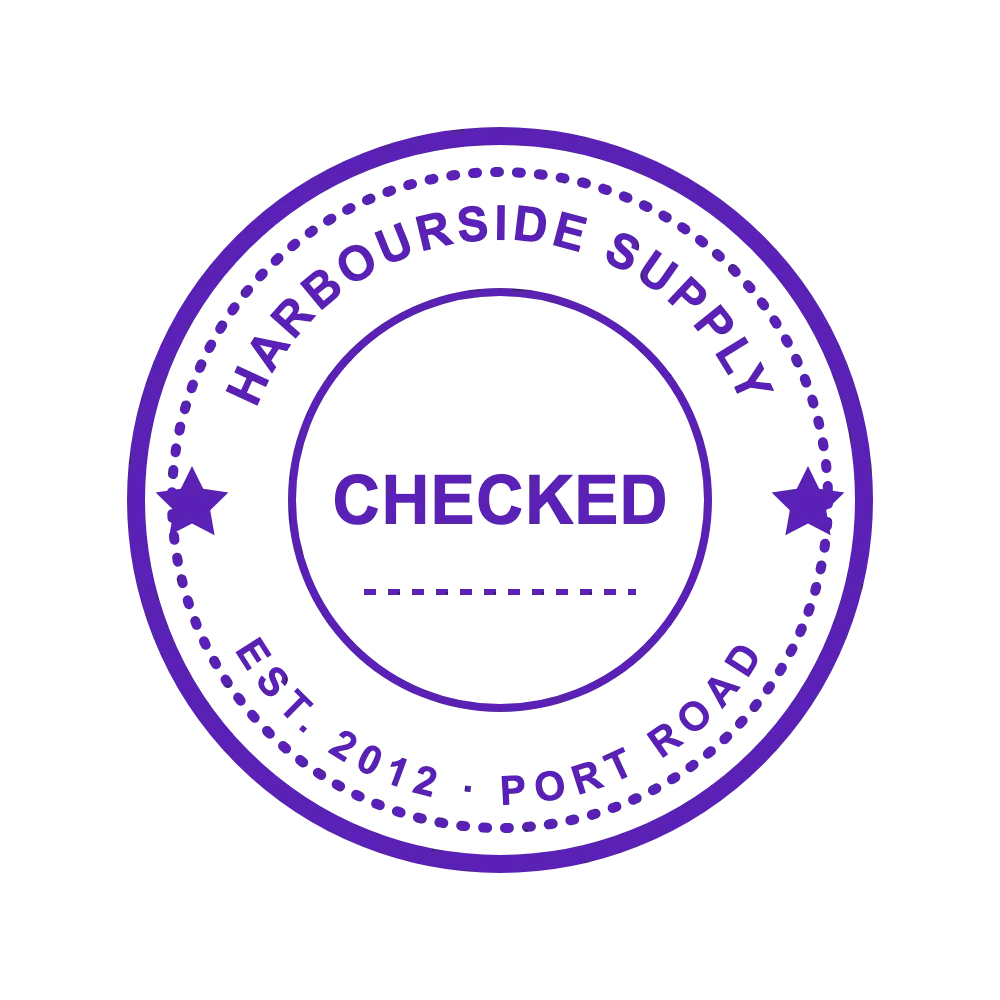
A vector file is easy to adjust once you can see its layers.
Switch a stamp delivered in black to the red or blue ink your rubber stamp uses.
Hide a date line, placeholder text or a background shape you do not need, without touching the rest.
Duplicate a layer, move it and give it a new colour to try a two-tone version of the same stamp.
Vector files vary a lot; these habits help with most of them.
Lock a logo layer before applying a stamp colour, and it keeps its original colours.
Unnamed layers are hard to tell apart; solo each one to see what it draws, then rename it.
White areas count as paper and keep their colour when you recolour the stamp.
Keep SVG for printing and scaling; use PNG in office documents that handle vector files poorly.
Files built from paths, shapes, groups and text. Embedded HTML and references to external files are not supported and are stripped out.
Yes. Restore the colours of every layer at once, or set a single layer back to its original colour.
All of them. With a StampDr monthly, yearly or lifetime plan you can download SVG, PNG, JPG or WebP, copy the image and open it in the editor; without one you see a watermarked preview.
No. The file is parsed and edited in your browser, and it stays on your device.
Edit only artwork you own or have permission to use. Changing colours or layers gives a stamp no official standing, and it does not replace an original impression where one is required.
Professional online stamp maker. Create custom stamps with ease and precision.