Black for mono printing
A black version prints crisply on a black-and-white laser printer, where red turns a muddy grey.
Give a stamp a new ink colour without redrawing it. Load a photo, a scan or a PNG, and the tool finds the stamp ink on its own. Choose red, blue, black, purple or green, or any other colour, then decide whether the paper stays or the background turns transparent. Export PNG, JPG or WebP at the print size you need.
PNG, JPG or WebP up to 40 MB. The ink is found automatically.
or paste with Ctrl V
Recolouring the ink
The tool separates the stamp ink from the paper first, so only the stamp changes colour and the page around it is left as it was.
Drop in a picture of the stamp, or of the whole stamped page, as JPG, PNG or WebP; pasting from the clipboard works too.
Pick one of the five ink presets or open the colour picker for any other shade; the preview follows your choice.
Keep the paper for a natural look or make the background transparent, set the print size and save as PNG, JPG or WebP.
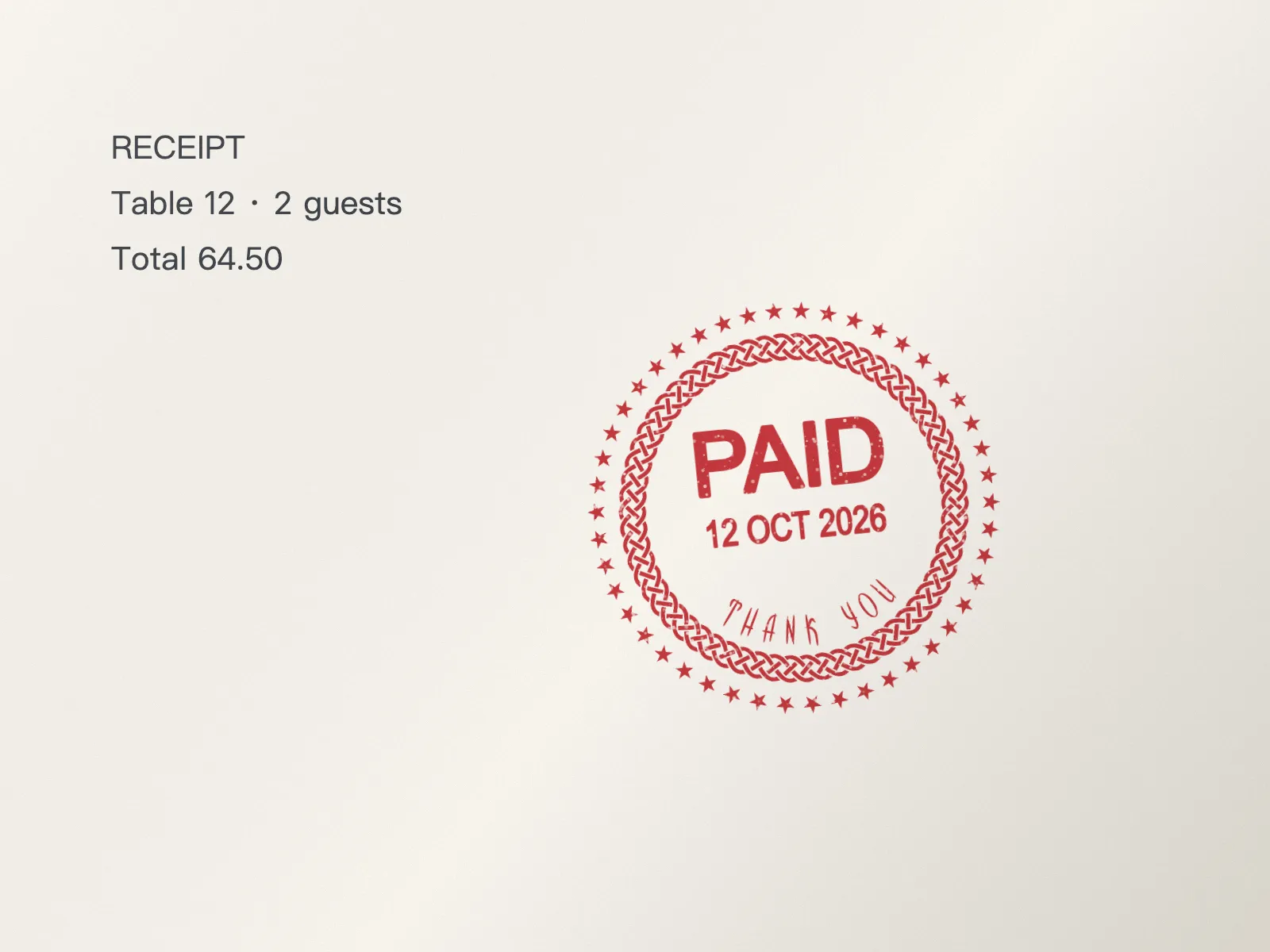
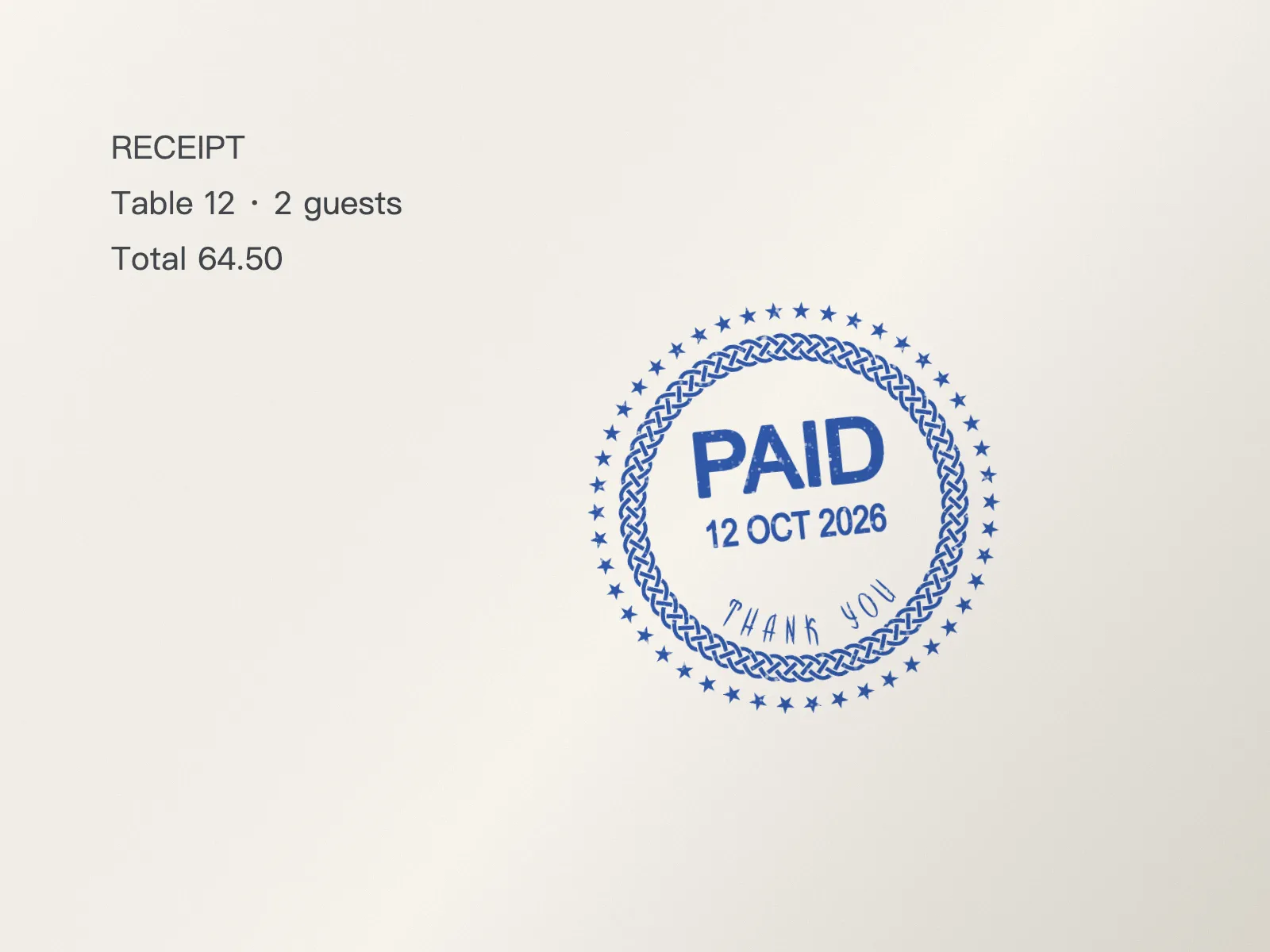
The impression is right; only the ink is not.
A black version prints crisply on a black-and-white laser printer, where red turns a muddy grey.
Bring a stamp in line with the colour of your letterhead or invoice template.
See how your stamp would look in green or purple before you order a new rubber stamp or ink pad.
The more clearly the ink stands out from the paper, the cleaner the new colour looks.
Photograph the stamp in soft, even light; a shadow falling across the ink can be read as part of the paper.
Choose a transparent background when the stamp goes onto a PDF or letter; keep the paper for a slide that shows the impression as it is.
Pale yellow or light green ink is hard to read on white; pick a darker shade if the stamp must stay legible.
A transparent result needs PNG or WebP; JPG puts white behind the stamp.
It reads each pixel as a mix of paper, stamp ink and dark print, using the same ink-separation engine as the StampDr background remover. The stamp ink is detected without any clicks.
Yes. Leave the paper in place for a scanned look, or switch to a transparent background to keep only the recoloured ink.
Yes. Anyone can recolour a stamp and look at the watermarked preview. The StampDr monthly, yearly and lifetime plans then let you download the recoloured stamp, copy it or open it in the editor.
No. Your own browser finds and recolours the ink, so the picture is never sent to a server.
No, and the tool should not be used that way. Recolour only stamps you are allowed to use; a recoloured image is still a copy and is not valid where an original impression is required.
Professional online stamp maker. Create custom stamps with ease and precision.