Printing at real size
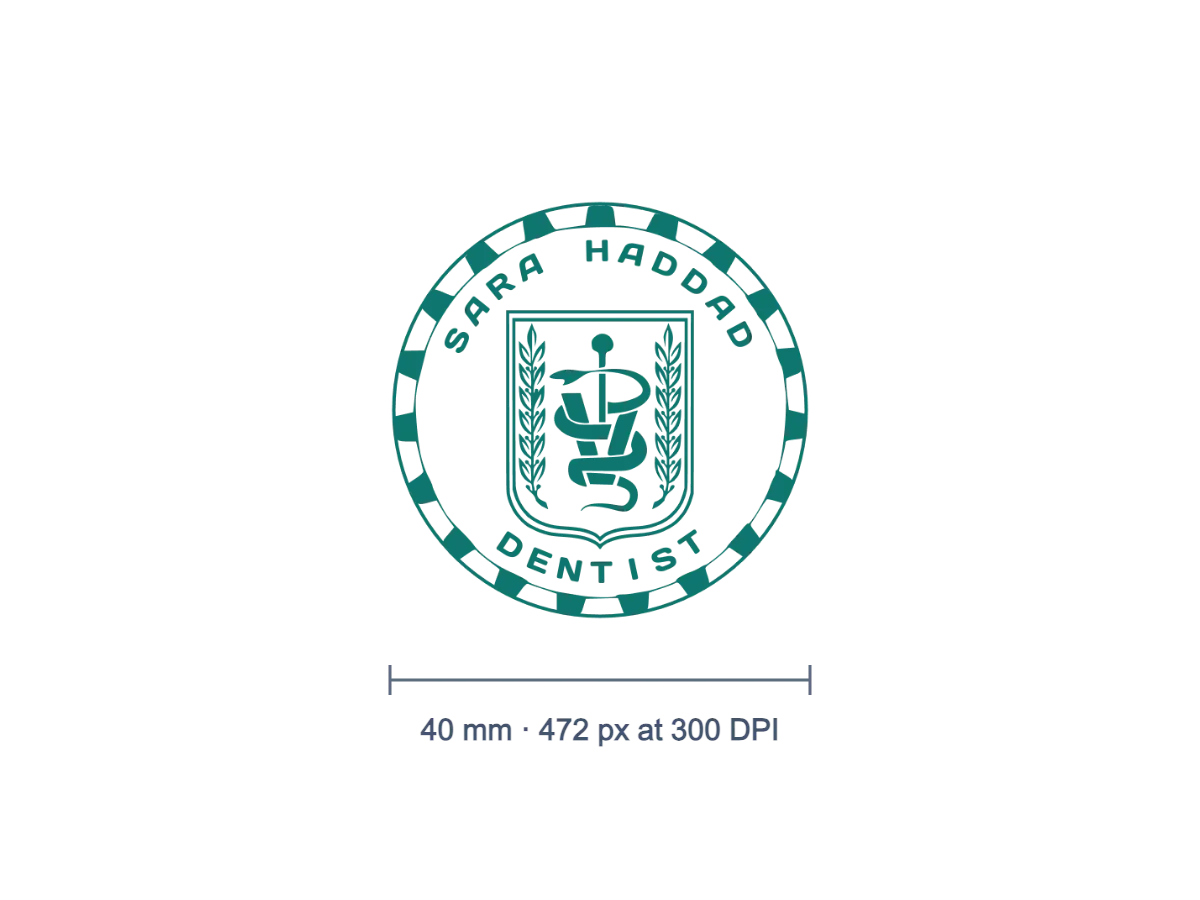
Set 40 mm at 300 DPI and the printed stamp matches the size of the rubber original.
Give a stamp the exact size that a form, a template or a printer expects. Enter pixels, millimetres or inches, set the resolution in DPI, and the other side follows while the aspect ratio is locked. Common seal diameters and quick scales are one click away, and the file keeps its transparent background in PNG and WebP.
PNG, SVG, JPG or WebP up to 40 MB. Start from a clean, sharp file when you enlarge.
or paste with Ctrl V
Sizing a stamp
Every size is worked out from the full-resolution original, so changing your mind several times does not wear the image down.
Open a PNG, JPG, WebP or SVG file, or paste it from the clipboard. Its pixel size and print size in millimetres are shown with the preview.
Type a width or height in px, mm or inches, adjust the DPI, or pick a 38, 40, 42 or 45 mm preset or a scale from 25 to 200%.
Download PNG, JPG or WebP, copy the stamp to the clipboard, or open it in the editor at the size you chose.

A stamp that looks right on screen can still be the wrong size where it ends up.
Set 40 mm at 300 DPI and the printed stamp matches the size of the rubber original.
Bring a large scan down to the pixel dimensions that a portal or online form accepts.
Give the stamp the same width in every invoice or letter template so it never pushes the layout around.
Size and sharpness depend on each other, so a few checks can save a reprint.
Scaling a small image up adds pixels but no detail. Start from the largest scan you have, or from an SVG.
300 DPI is a safe value for print; set it before you type millimetres so the pixel count fits.
Unlock the aspect ratio only when you really mean to stretch the stamp, because a round seal turns oval.
Choose PNG or WebP to keep a transparent background; JPG fills it with white.
The print size is saved in PNG and JPG files as their resolution, so programs that read it place the stamp at those millimetres or inches.
The longer side can go up to 8,000 pixels, and very large images are also capped by their total area. The tool tells you when a limit applies.
Resizing and the watermarked preview are free to use. To download, copy or open the result in the editor, sign in with a StampDr monthly, yearly or lifetime plan.
No. The image is resized in your browser and is not sent anywhere.
Yes, if it is a stamp you are permitted to use. Resizing changes the picture only; it does not make a reproduced stamp valid where a hand-applied impression is required.
Professional online stamp maker. Create custom stamps with ease and precision.