Invoices and receipts
A stamp with your name, address and tax number turns a receipt book or a plain invoice template into a complete document in one press.
Stamps for sole traders, freelancers and one-person businesses
When you work for yourself, every invoice, quote and receipt carries your own name, so it helps if that block of details looks the same each time. StampDr's stamp maker lets a sole trader or freelancer design a stamp with name, trade, address and tax or registration number, a PAID stamp for settled invoices and a round personal seal, then download it for a pocket stamp or for adding to PDF invoices.
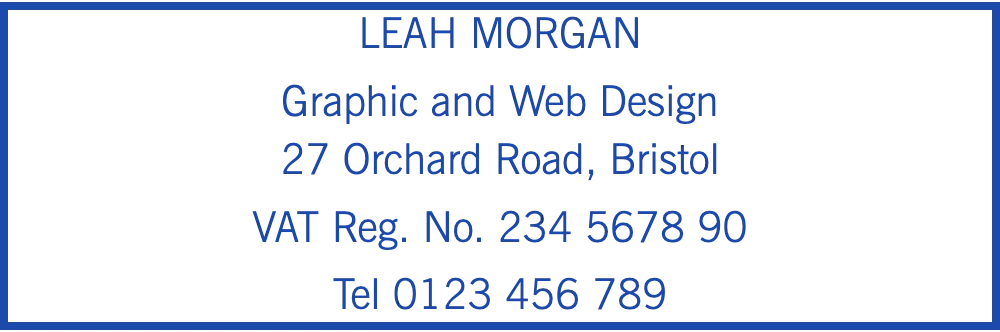

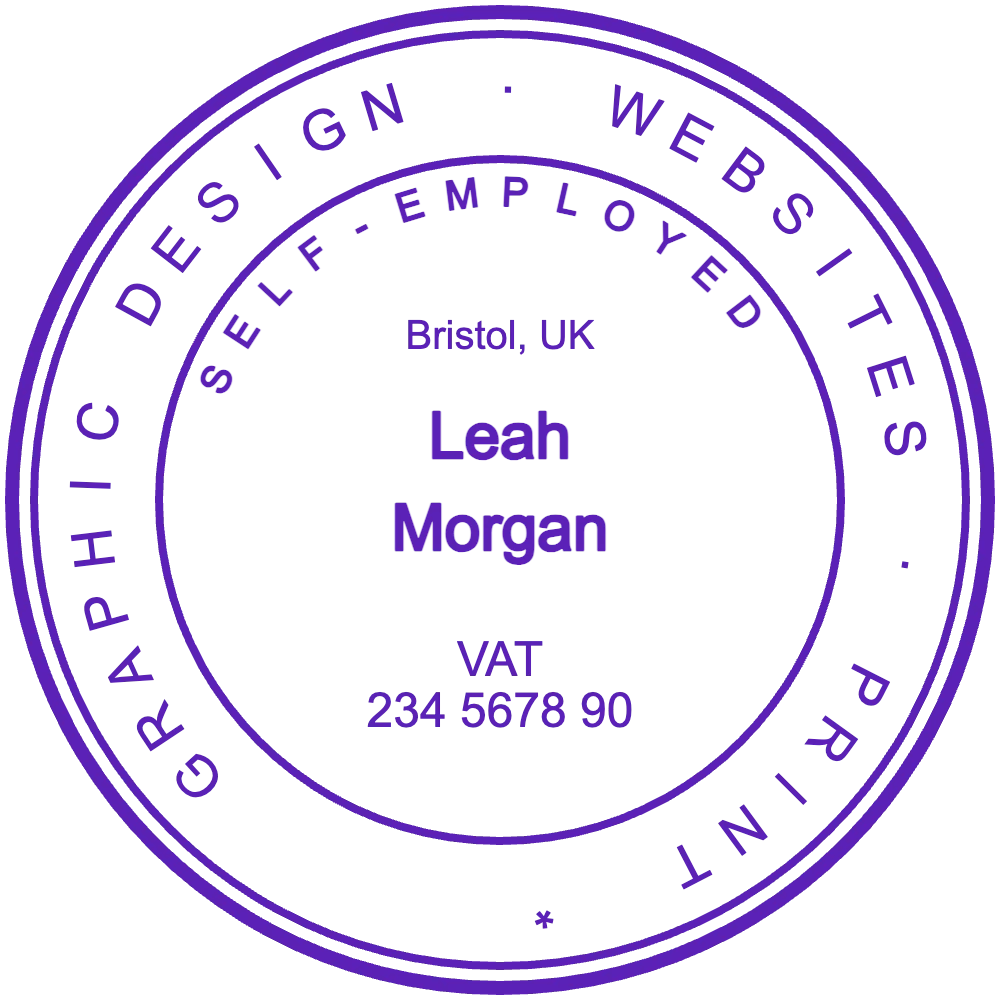
Open a design to edit it: a fictional freelancer's details are already in place. Replace the name, trade and numbers with your own.
Name, trade, address and tax details for invoices, quotes and receipts.
Open in editorFor settled invoices and the receipts you hand to clients.
Open in editorName and tax number in a round seal for contracts, timesheets and delivery receipts.
Open in editorWithout an office or an accounts department, the details on your paperwork depend on you alone. A stamp keeps them the same even on handwritten or home-printed documents, and saves typing the same block on every quote.
A stamp with your name, address and tax number turns a receipt book or a plain invoice template into a complete document in one press.
Plumbers, electricians and designers who write quotes at the client's premises can stamp their details instead of copying them out on every page.
PAID with the date shows the client that an invoice is settled, and stops you chasing the same amount twice.
Clients who sign off your hours or a delivery often want your details next to their signature. A small seal gives them that in a second.
What an invoice must show depends on your country and tax status. The stamp repeats those details; check the exact list with your tax office or accountant.
Start from the invoice stamp, the PAID stamp or the round seal above, or begin with an empty rectangle.
Enter your name, trade, address and number exactly as they appear on your registration.
Invoice stamps of about 60 × 20 mm to 76 × 25 mm fit the space under a letterhead; round seals are usually 38 to 40 mm.
Download a transparent PNG to add to PDF invoices, or a vector file (SVG, EPS or PDF) to order a pocket or self-inking stamp.
Keep prices, dates and invoice numbers off the stamp; write or type them on each document, or press a separate dater next to it.
A wrong digit in a tax or registration number ends up on every invoice until you notice it. Proofread before you order.
Use one design for the rubber stamp and for the PNG on emailed invoices, so clients always see the same details.
A distinct colour for PAID, such as green, stops it being mistaken for the stamp that carries your details.
In many countries a stamp is optional for the self-employed; in others, clients, banks or public offices expect one on invoices and forms. It never replaces the details your invoices must show, so check the rules with your tax office.
Yes, as long as it is correct and current. Give it its own line so clients can copy it into their accounts.
Yes. Add the transparent PNG at the foot of your invoice template or on the PDF before you send it.
Yes. Upload a logo, or type your initials in the centre of a round seal. Simple shapes stay clear at small sizes.
Yes, until you download. Editing and previewing cost nothing; a single export or a monthly, yearly or lifetime plan covers the download.
Open a layout, type your name and number and preview the stamp at actual size before your next invoice.
Professional online stamp maker. Create custom stamps with ease and precision.