Registration cards
In many countries a hotel keeps a signed card for some or all guests. A stamp with the property's name and address fills the header of blank cards, so reception never waits for a reprint.
Stamps for hotels, guesthouses and riads
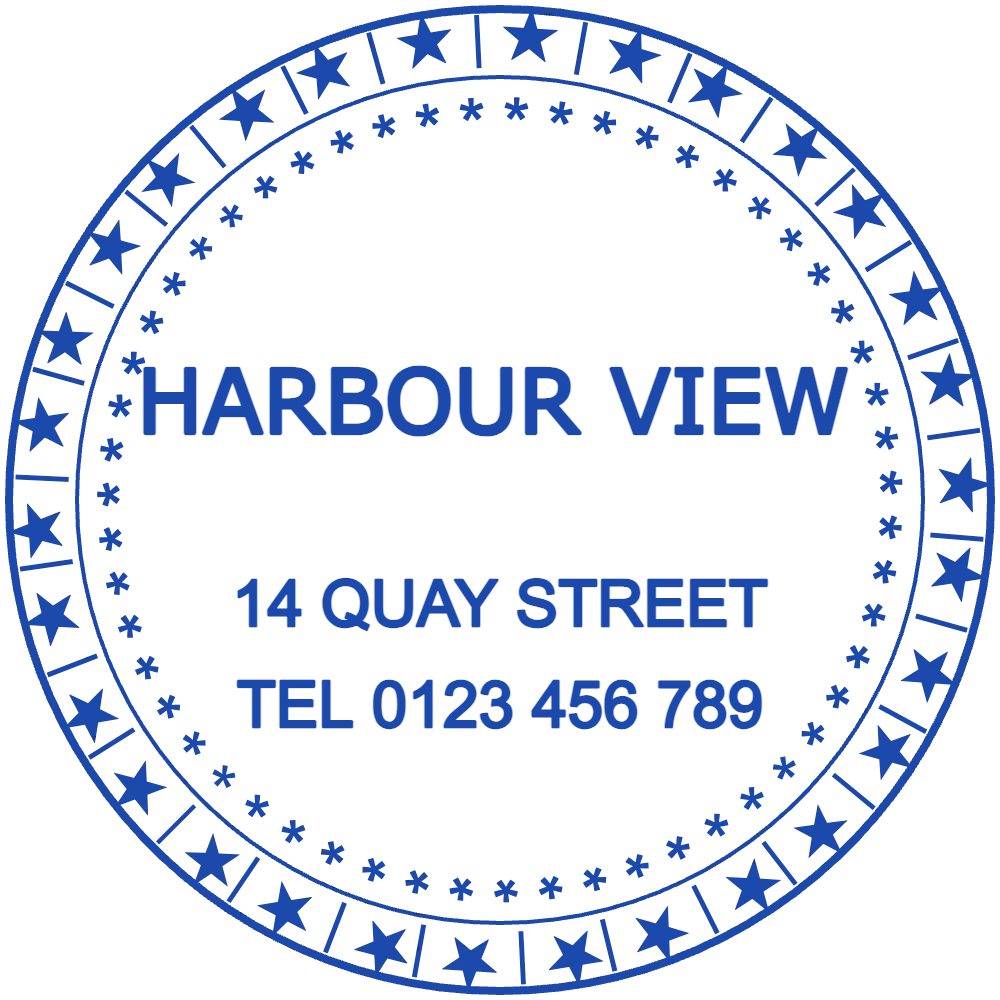
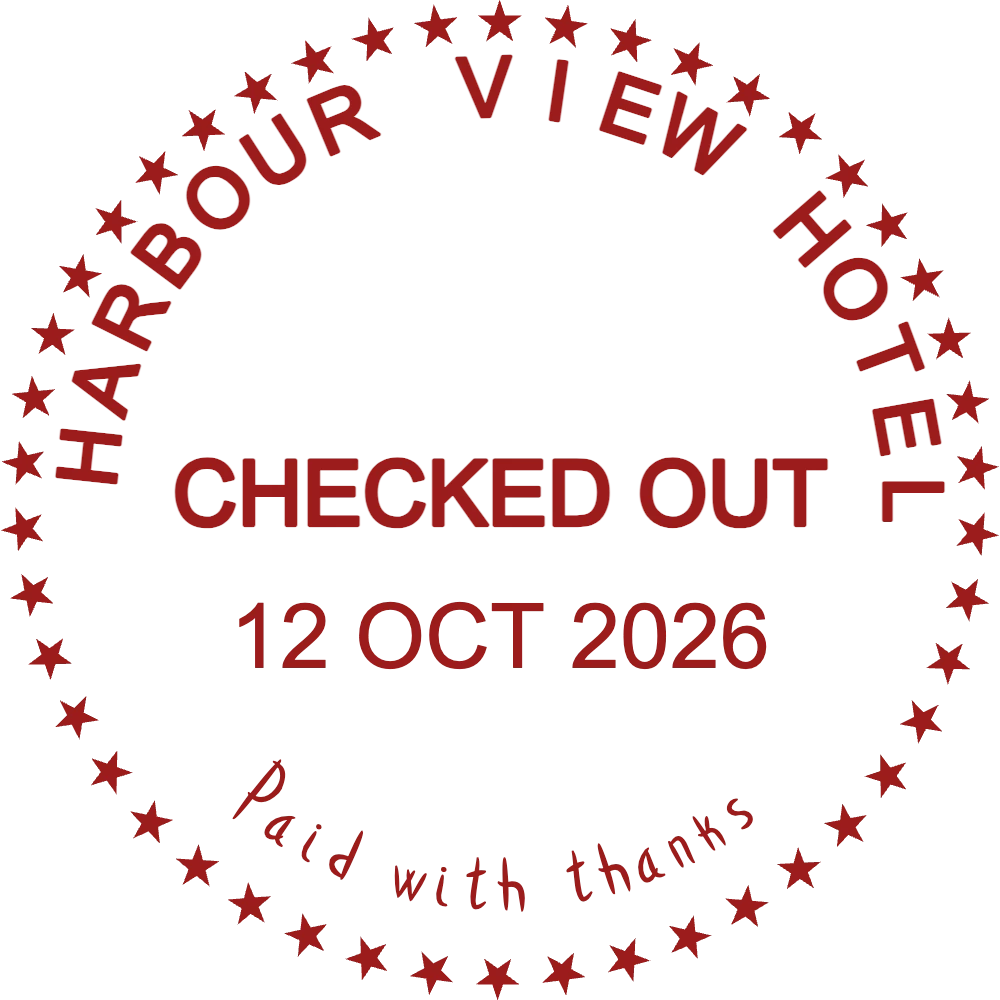
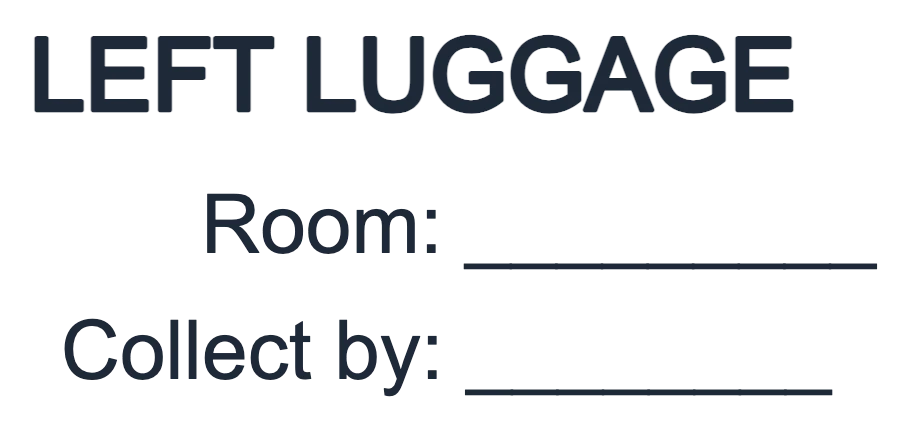
A reception desk stamps paper all day: registration cards at check-in, folios at check-out, tags on suitcases kept behind the desk, the welcome card left in the room. With StampDr's online stamp maker you can lay out each of these (a round hotel seal, a CHECKED OUT stamp with the date, a left-luggage stamp with lines for the room) and check them at their real size before ordering rubber stamps for the front desk.
Open a design and a sample hotel name, street and phone are already in place. Swap them for your property's details and adjust the ink colour.
For welcome cards, luggage tags and the foot of invoices.
Open in editorMarks a settled folio with the departure date, so the night audit can see which bills are closed.
Open in editorFor the paper tag on suitcases that guests leave at reception after check-out.
Open in editorFrom check-in to the night audit, the same few details go on paper again and again. A stamp for each task keeps the desk moving when three guests arrive at once.
In many countries a hotel keeps a signed card for some or all guests. A stamp with the property's name and address fills the header of blank cards, so reception never waits for a reprint.
CHECKED OUT with the date shows at a glance which folios are settled. On invoices to companies, an address stamp with your tax number saves retyping the footer.
When guests leave bags after check-out, a stamped tag with the room number and collection time stops two black suitcases from being swapped.
A round seal on the welcome card, the key-card envelope or a paper bag from the breakfast room looks deliberate and costs far less than printed stationery.
Decide first where each stamp will land. A welcome-card seal can be decorative; a stamp for invoices and registration cards has to be read by guests, accountants and sometimes the authorities.
Begin with the round seal, the CHECKED OUT stamp or the luggage stamp above. For other desk jobs, an empty circle or rectangle works just as well.
Type the hotel's name, street and phone, upload your logo if you have one, and pick an ink colour that suits your stationery.
A 38 to 42 mm round seal suits welcome cards; 47 × 18 mm rectangles fit the margins of folios and registration cards.
Get a transparent PNG for PDF invoices and booking confirmations, or SVG, EPS or PDF to have a rubber or self-inking stamp made for each desk.
Keep the check-out and luggage stamps at the desk and the seal in the back office. Staff then grab the right one without reading it.
Red for CHECKED OUT, black for left luggage and blue for the hotel seal. The night auditor can sort a pile of paper by colour alone.
A date fixed in the design is useless the next morning. Use a date line, or press a self-inking dater next to the stamp.
Welcome cards and luggage tags are thick and often coated. Print the PNG at 100% on the same card to see whether fine lines survive.
Yes. The transparent PNG sits on a PDF invoice without a white box around it. Place it near the total or the duty manager's signature.
Most registration cards leave a header strip of about 50 × 20 mm. Measure your own card and make the stamp a few millimetres smaller.
Yes. Add a line in the second language, or put the name in one script around the edge and the other in the centre, as many guesthouses in tourist areas do.
Yes. Change the wording and keep the same fonts and border. On a plan, your designs stay in My Library, so the hotel seal is always there to reopen and adapt.
No. Designing and previewing cost nothing. You pay when you download, either for a single export or with a monthly, yearly or lifetime plan.
Pick a layout, type your property's name and see the seal, the check-out stamp and the luggage stamp at their real sizes.
Professional online stamp maker. Create custom stamps with ease and precision.