Commercial invoices and proformas
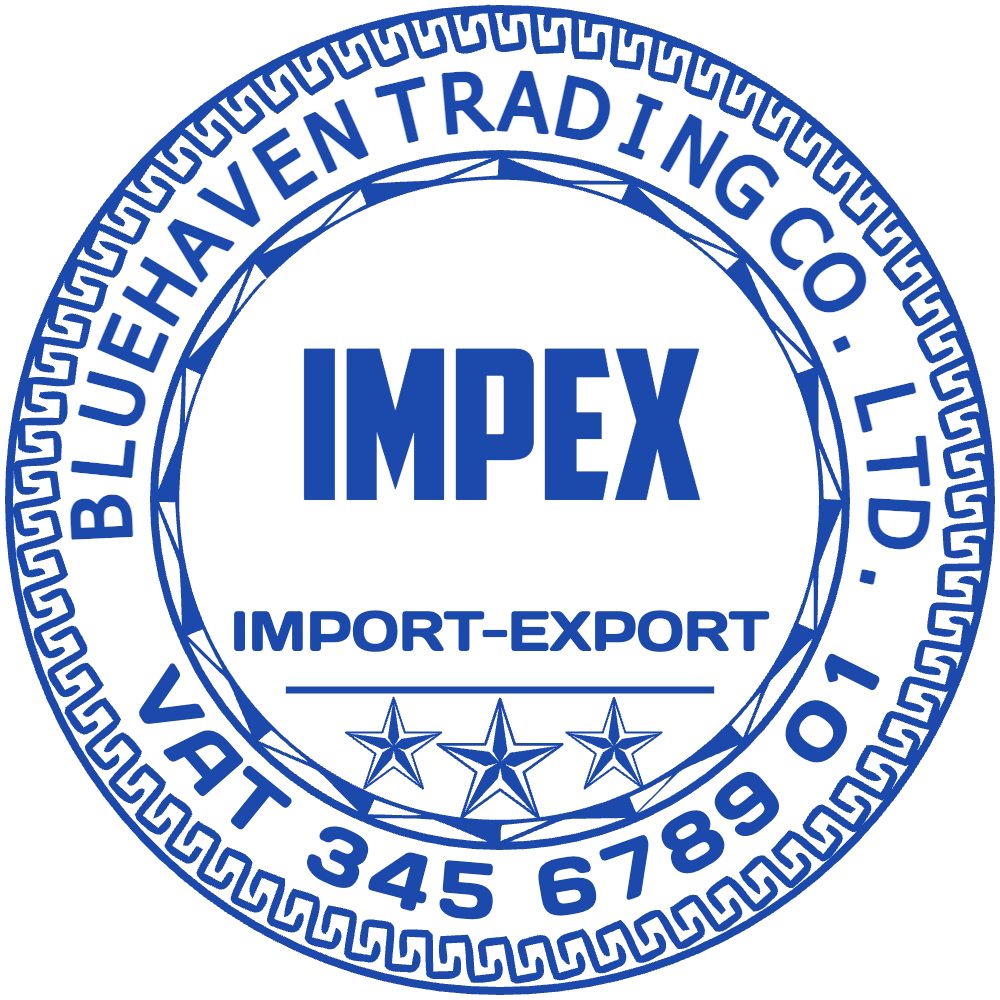
The company seal next to the signature identifies the seller on every page, including the copies that travel with the goods.
Stamps for importers, exporters and trading companies
A single export shipment can need a commercial invoice, a packing list, a proforma, shipping instructions and a set of originals for the bank, and buyers often expect a company stamp beside each signature. StampDr's stamp maker lets a trading company design that stamp, plus an authorised signatory stamp and an ORIGINAL mark, with its registered name and numbers, then download the files for a rubber stamp or to mark PDFs before they are emailed.
The designs below open in the editor with a fictional trading company's details. Replace the name, numbers and signatory title with your own.
For commercial invoices, proformas and packing lists.
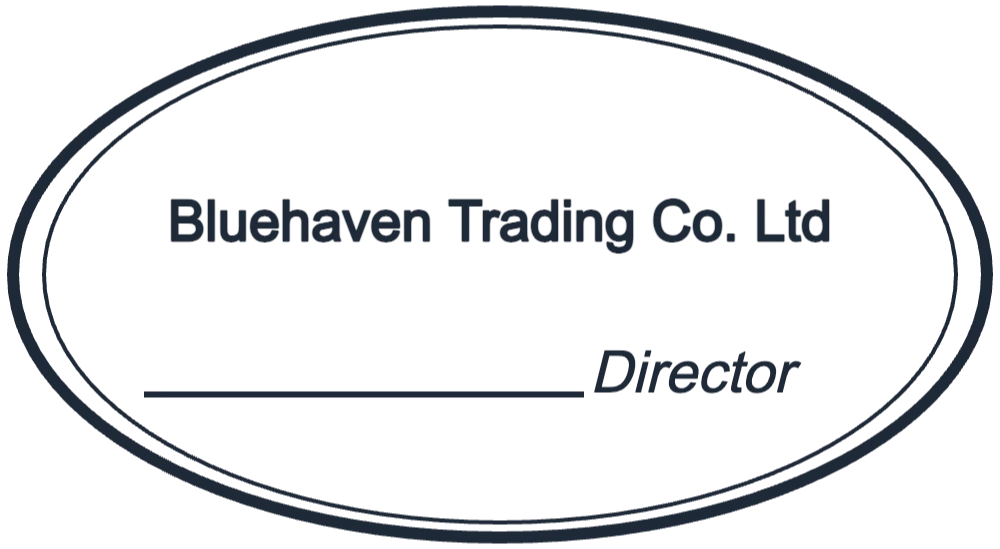
Open in editorCompany name above the signature line and the signatory's title, for contracts and invoices.
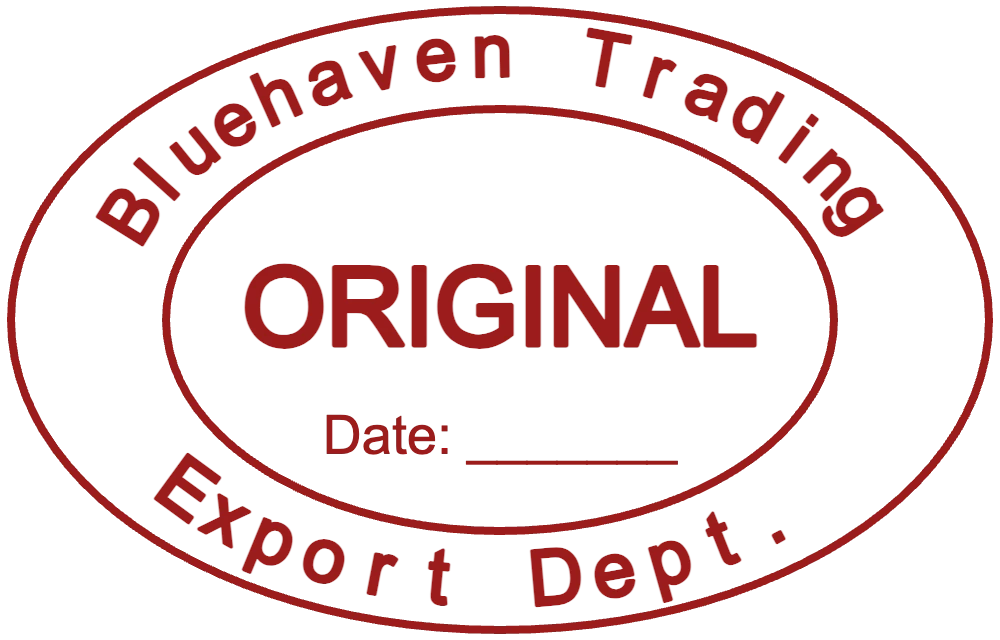
Open in editorMarks the original set of invoices and packing lists sent to the bank or the buyer.
Open in editorBuyers, banks, forwarders and customs brokers handle the same set of papers. A stamp beside each signature tells all of them which company issued the document.
The company seal next to the signature identifies the seller on every page, including the copies that travel with the goods.
Stamping each page of a packing list ties it to the invoice it belongs to, which helps when cartons are counted at the other end.
Some forwarders ask for signed and stamped shipping instructions before they issue the draft bill of lading.
An ORIGINAL stamp in a different colour from your copies keeps the set that goes to the bank apart from the file copies.
Trade documents are read in other countries and languages, so keep the stamp short, add a Latin-script line where your buyers need one, and match the name on your invoices.
Start from the round seal, the signatory oval or the ORIGINAL stamp above, or from a blank shape in the editor.
Enter the registered name, numbers and city. For a bilingual stamp, keep each language on its own line.
Round seals of 38 to 42 mm and signatory stamps of about 55 × 30 mm fit beside a signature on A4 trade documents.
Download a transparent PNG to stamp PDF invoices before you email them, or a vector file (SVG, EPS or PDF) to order a rubber stamp.
Place the stamp beside the signature, never over totals, weights or HS codes that someone has to read.
The name on the stamp, the invoice, the bank account and the bill of lading should match; small differences can hold up payment under a letter of credit.
A multi-page packing list stays together more easily when each page carries the stamp and a page number.
Customs, chambers of commerce and embassies apply their own stamps. Yours identifies your company; never design anything that resembles theirs.
It depends on the importing country, the buyer and the payment terms. Many buyers and banks expect one beside the signature; check the letter of credit or the contract, or ask your forwarder, for each shipment.
You can stamp your own exporter's declaration on the application. The certificate itself is certified by the issuing body, such as a chamber of commerce, with its own stamp; yours does not replace it.
Yes. Put each language on its own line, for example the company name in English on one line and in Arabic or French on another, and check both at the real size.
Yes. Place a transparent PNG of the stamp beside the signature in your PDF editor before you send the document.
Trying layouts costs nothing. You pay when you download a finished file, either once per export or through a monthly, yearly or lifetime plan.
Open a layout, type your registered company name and print the stamp at actual size to check it before your next shipment.
Professional online stamp maker. Create custom stamps with ease and precision.