Prescriptions
Where paper prescriptions are still used, the vet's name, licence number and clinic address in one block help the pharmacy check where the prescription came from.
Stamps for veterinary clinics and practices
A vet's desk sees prescriptions, vaccination records, receipts, referral letters and the reminder card that tells an owner when the next booster is due. With StampDr's online stamp maker you can design a vet's name and licence stamp, a round clinic seal and a booster reminder, see how they look at actual size, and export them for rubber stamps or PDF documents. Entries in official pet passports follow their own rules, covered below.
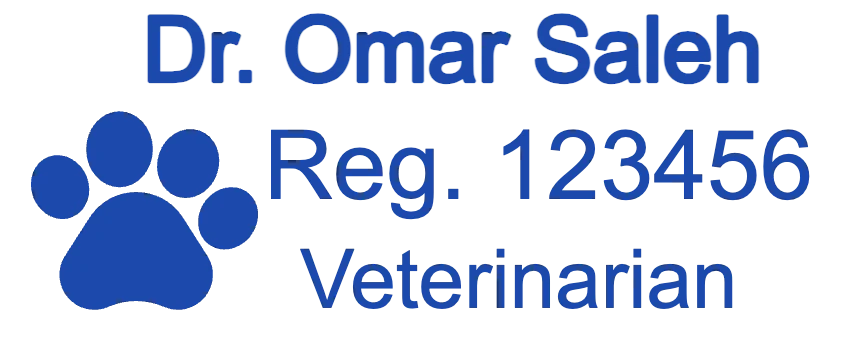
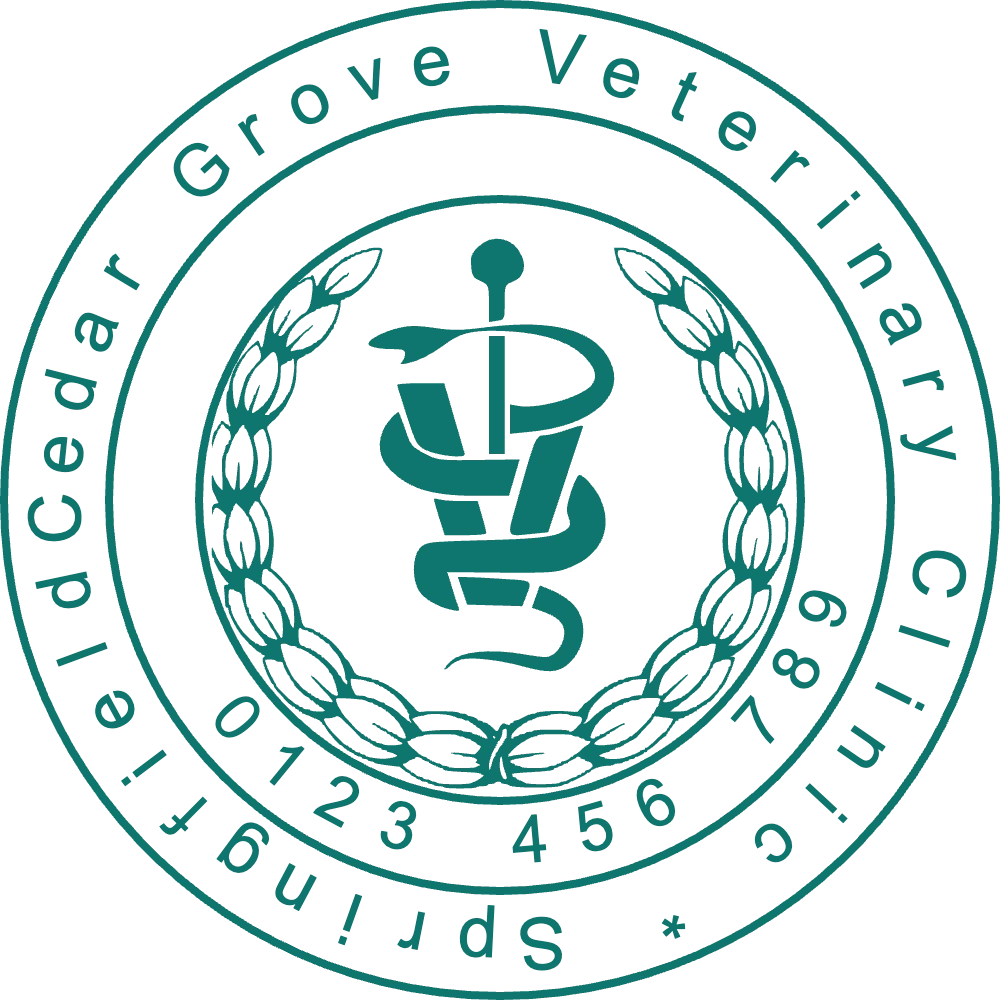
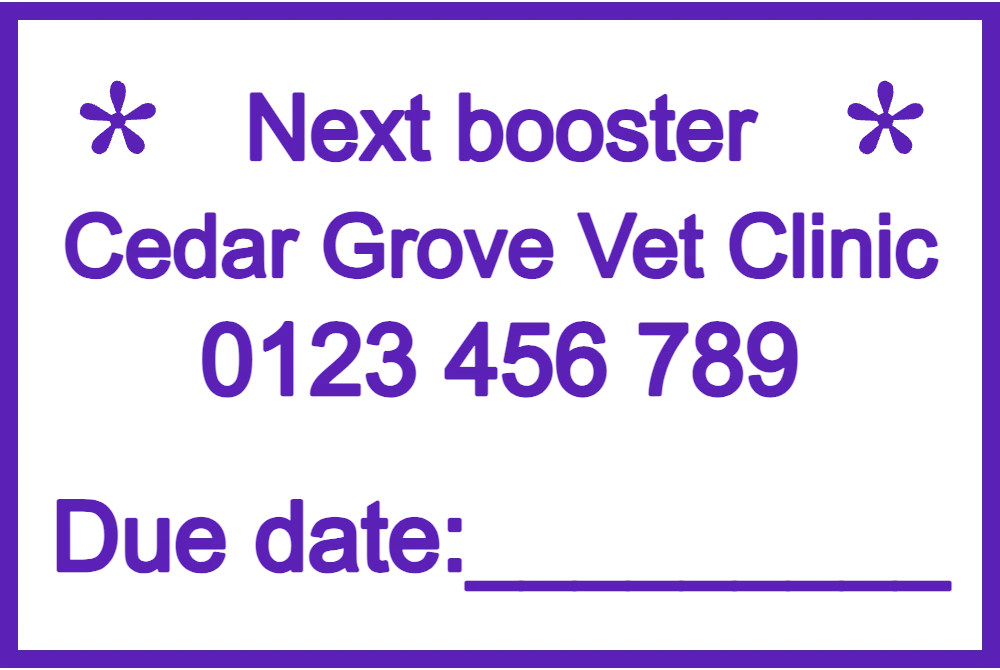
A fictional vet and clinic fill each design. Replace them with your own name, licence number and address before you download.
For prescriptions, receipts and referral letters, next to the vet's signature.
Open in editorFor clinic letters, invoices and the practice's copy of surgery consent forms.
Open in editorFor appointment and reminder cards that tell the owner when the next vaccination is due.
Open in editorBetween consultations, surgery and the dispensary counter, the same names and numbers go on paper all day. A stamp keeps them identical on every sheet, whoever is on shift.
Where paper prescriptions are still used, the vet's name, licence number and clinic address in one block help the pharmacy check where the prescription came from.
Owners' vaccination cards and booklets carry the clinic's details beside each dose. For official pet passports and travel certificates, follow the format the authority sets.
A NEXT BOOSTER stamp with a due-date line turns a plain card into a reminder the owner pins to the fridge.
Pet insurers' claim forms usually include a section the practice completes and stamps. Design the stamp to the size of that section and it sits cleanly inside.
What a vet's stamp must show depends on the country and the document, so check with your veterinary board or the authority that issues pet passports. Nearly every clinic stamp includes:
Open the paw stamp, the round clinic seal or the booster reminder above, or start from a blank shape.
Fill in who prescribes (name and licence number) and where (clinic and town). Four lines is the limit for a rectangular stamp that stays legible.
A 56 × 23 mm stamp suits prescription and receipt margins; the clinic seal works well at 35 to 40 mm in diameter.
Export a PNG with a transparent background for PDF reports and e-prescriptions, and an SVG, EPS or PDF for the workshop that makes your self-inking stamp.
A small paw or animal silhouette is plenty. Detailed drawings of dogs and cats fill in at 23 mm high.
Keep the licence stamp for prescriptions and records, and a cheerful reminder stamp for owners. Mixing the two confuses pharmacies and owners alike.
Vaccination cards are handled with damp hands in the consulting room. Ask your stamp supplier for a quick-drying, water-resistant ink.
Pet passports and health certificates have small fixed boxes. Measure them before choosing a size, and enter only the details the issuing authority asks for.
No stamp can stand in for your signature, your registration or the authorisation you need to certify; it only prints your details. Passport and certificate entries are regulated and requirements differ by country, so check with your veterinary authority before using a stamp on them.
Many clinics give each vet a personal stamp for prescriptions and keep one clinic seal for letters and invoices. Check what your regulator expects to see on a prescription.
Yes. The paw design already includes one; to use your clinic logo instead, upload it as an image. Keep it bold, because fur texture and thin outlines fill in at small sizes.
Yes, where electronic stamping is accepted. Insert the transparent PNG into the PDF beside your electronic signature.
No. Every design can be edited and previewed without paying. The charge comes when you download: one export at a time, or a monthly, yearly or lifetime plan.
Pick the paw stamp, the clinic seal or the booster reminder, add your clinic's details and check them at full size.
Professional online stamp maker. Create custom stamps with ease and precision.