Sample intake
A RECEIVED stamp with the date and initials on the request form means the arrival time of a sample is never reconstructed from memory.
Stamps for testing, medical and research labs
Laboratories stamp at every hand-off: when a sample arrives, when results are checked, when a report copy leaves the building and when a sealed container changes hands. With StampDr's stamp maker you can lay out those stamps yourself (a sample received stamp, a results verified stamp and a chain-of-custody block with writing lines), check them at their real size and download a file for a rubber stamp or for stamping PDF reports.
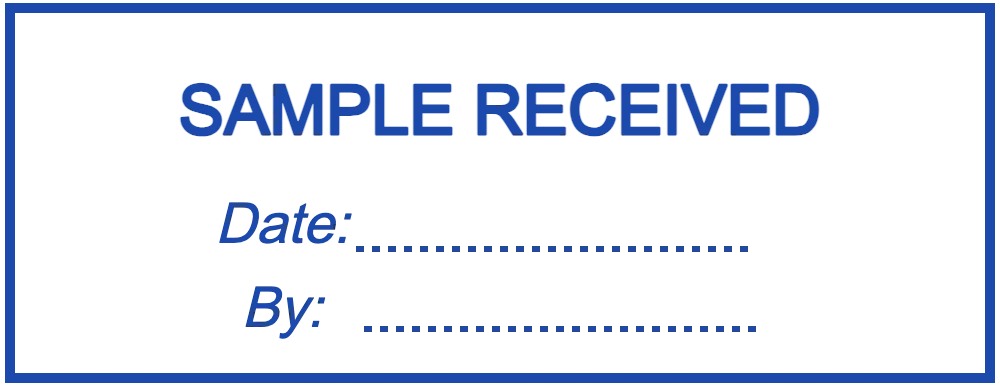
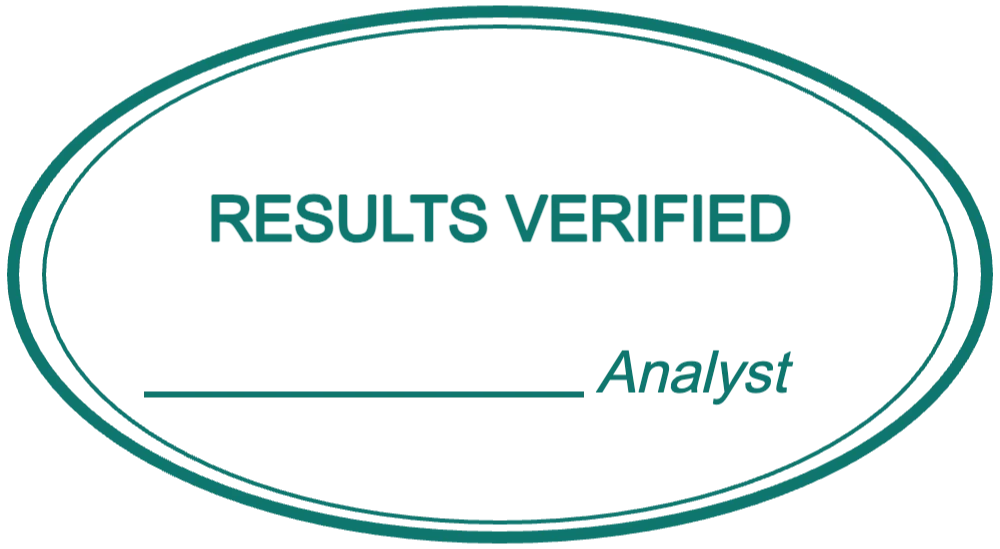
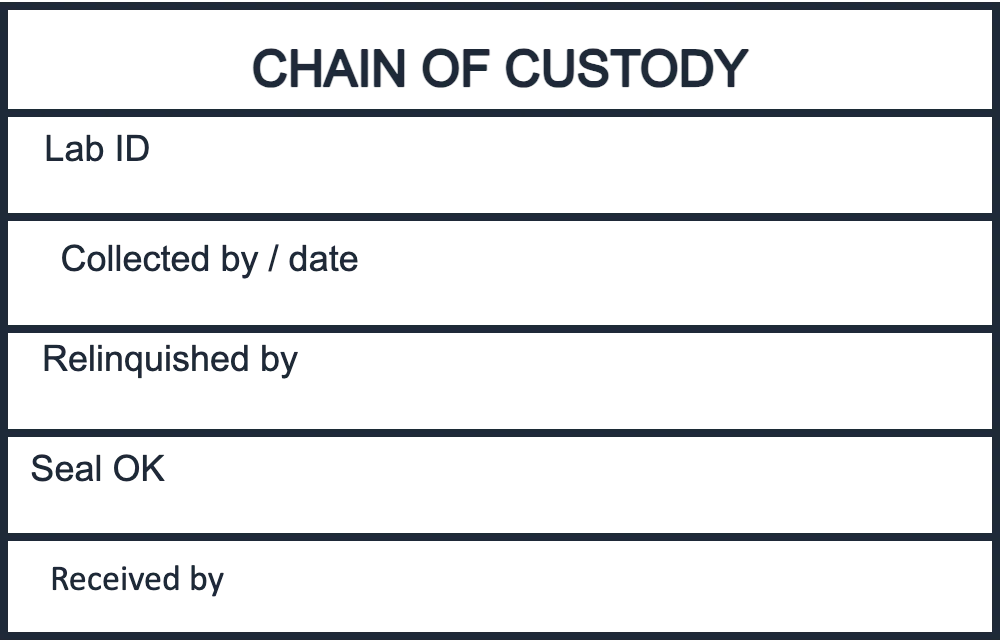
Each design opens in the editor with sample wording. Change the laboratory name and the labels to match your own forms and procedures.
For request forms, sample bags and the intake log at reception.
Open in editorA signature line for the analyst who checked a report or worksheet.
Open in editorRows for the lab ID, each hand-over and the seal check on custody forms.
Open in editorA lab stamp records who did what and when, in the same place on every form. Paper records are quicker to complete and much easier to follow during an audit.
A RECEIVED stamp with the date and initials on the request form means the arrival time of a sample is never reconstructed from memory.
A verified stamp with a signature line shows that a second person checked the worksheet or report before it was released.
COPY or DUPLICATE across a page tells everyone it is not the original report, which matters when results are filed in several places.
A ruled block for each hand-over (who released the sample, who received it and whether the seal was intact) keeps environmental, food and workplace samples traceable.
Requirements differ by country, accreditation body and client, so your quality manual comes first. These are the lines most lab stamps carry:
Open one of the designs above, or start from a blank rectangle for intake and custody stamps or an oval for a verification stamp.
Replace the sample text with the exact terms from your procedures, such as RECEIVED, CHECKED or VERIFIED, and add your laboratory name.
Measure the free space on request forms and reports. A 47 × 18 mm stamp fits most form margins; a custody block needs about 47 × 30 mm to keep its rows legible.
Export a PNG with a transparent background for PDF reports, or send an SVG, EPS or PDF file to whoever makes your self-inking stamp.
A writing line needs at least 5 mm of height for initials and a time. Test it with the pens your staff actually use at the bench.
Some labs use blue for intake and red or green for review, so the status of a form can be seen at a glance across a whole stack.
Never add the logo of an accreditation body, a certifier or an authority to a stamp unless you are entitled to use it and follow its rules.
Reports get scanned and copied. Thin lines and type smaller than about 2 mm often disappear after two generations of copies.
No. A stamp shows your laboratory's details and the step that was done; it does not replace signatures, accreditation or what your regulator requires. What must appear on reports and certificates differs by country and accreditation scheme, so check with the relevant body.
Most intake stamps are between 40 × 15 mm and 50 × 20 mm. Measure the space on your request form or sample bag label and design slightly smaller.
Yes. Download a PNG with a transparent background and place it on the PDF in your document software, next to the signature block.
Yes. The chain-of-custody layout above has five ruled rows. You can rename the labels, add rows or remove them in the editor.
No. Designing and previewing are free, so you can try every layout first. You pay only to download the finished file, either as a single export or with a monthly, yearly or lifetime plan.
Open a layout, type your lab's wording and see the stamp at its real size before anyone presses it on a form.
Professional online stamp maker. Create custom stamps with ease and precision.